
Font Tester
Select one letter in the preview below to view and apply the alternate characters available for that letter.
How to use alternates?
After downloading the font, alternate characters can be accessed in design apps that support OpenType features.
- Adobe Illustrator / Photoshop: open Window → Type → Glyphs, or use Stylistic Sets in the OpenType panel.
- Affinity Designer: use the Typography panel to access Alternates or Stylistic Sets.
- In this Font Tester: highlight one letter, then choose the alternate you want from the popup.
Gawon
Description
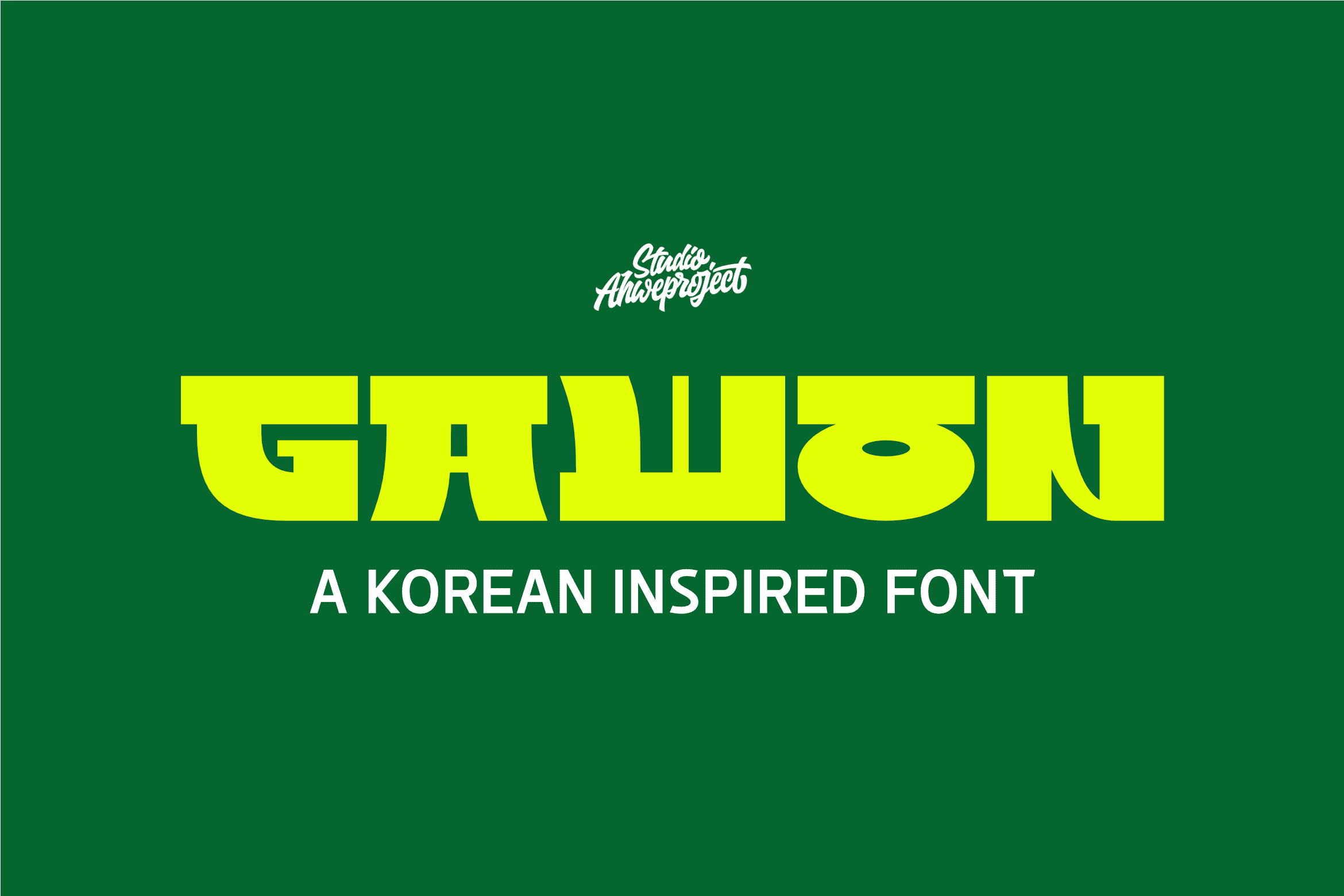
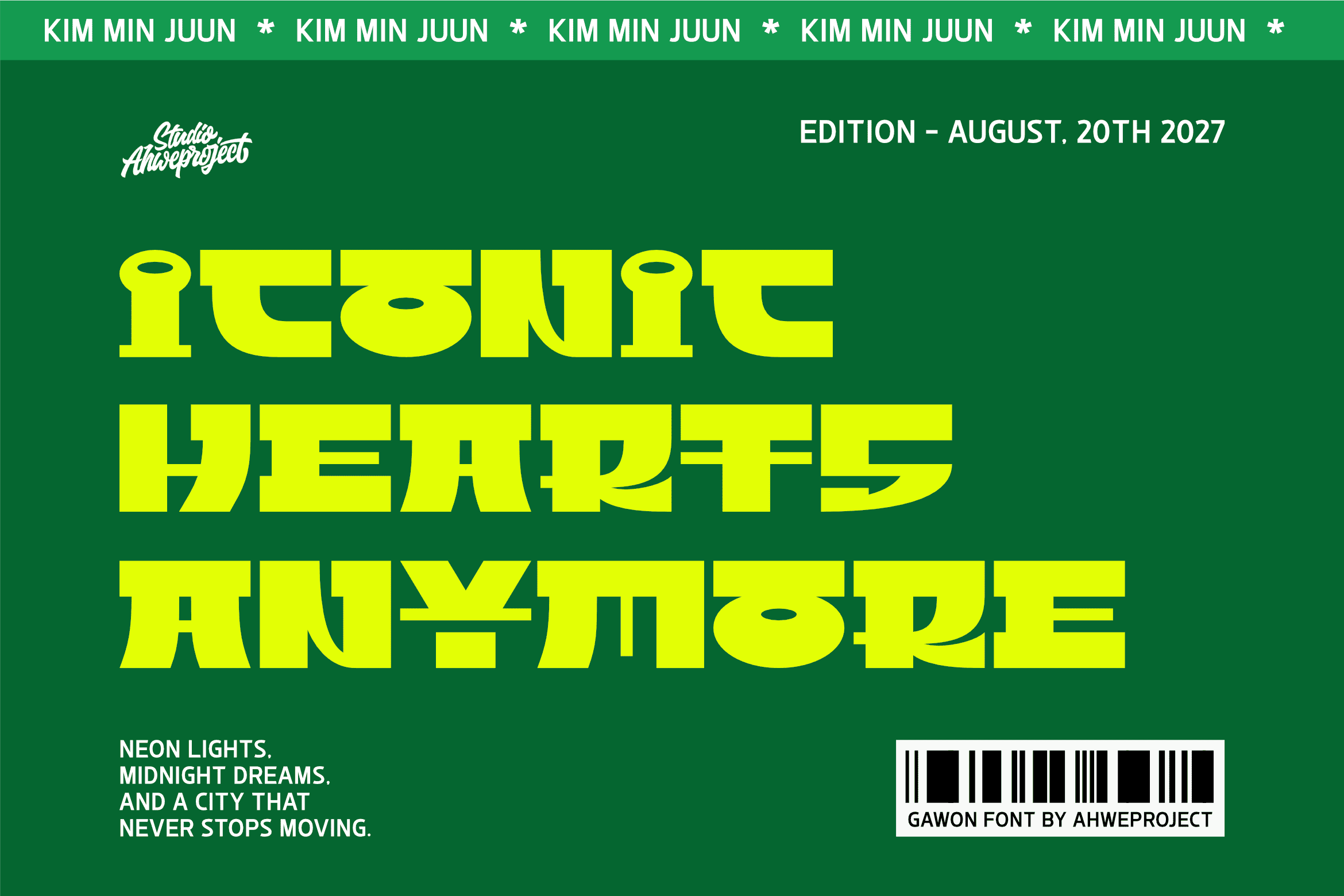
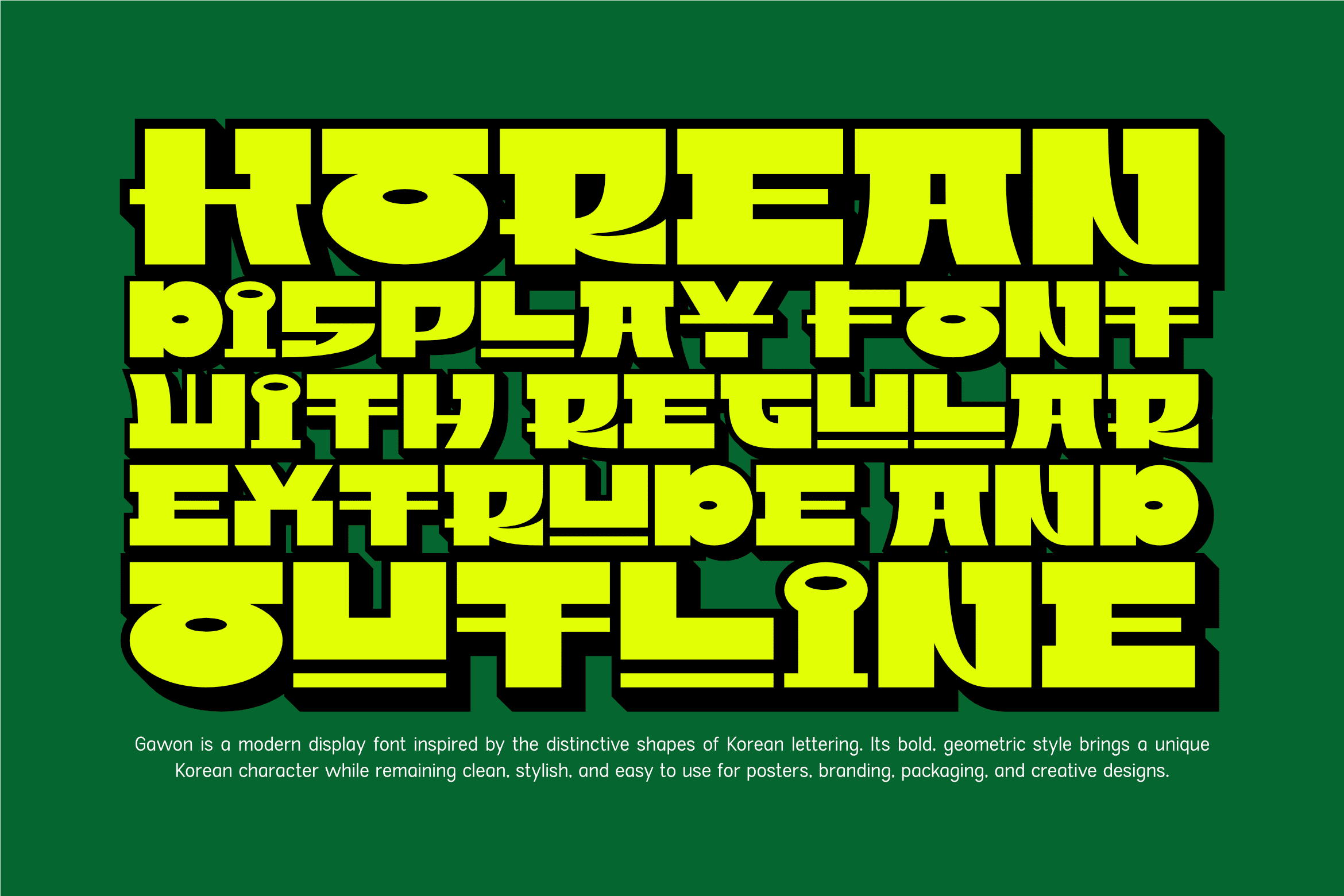
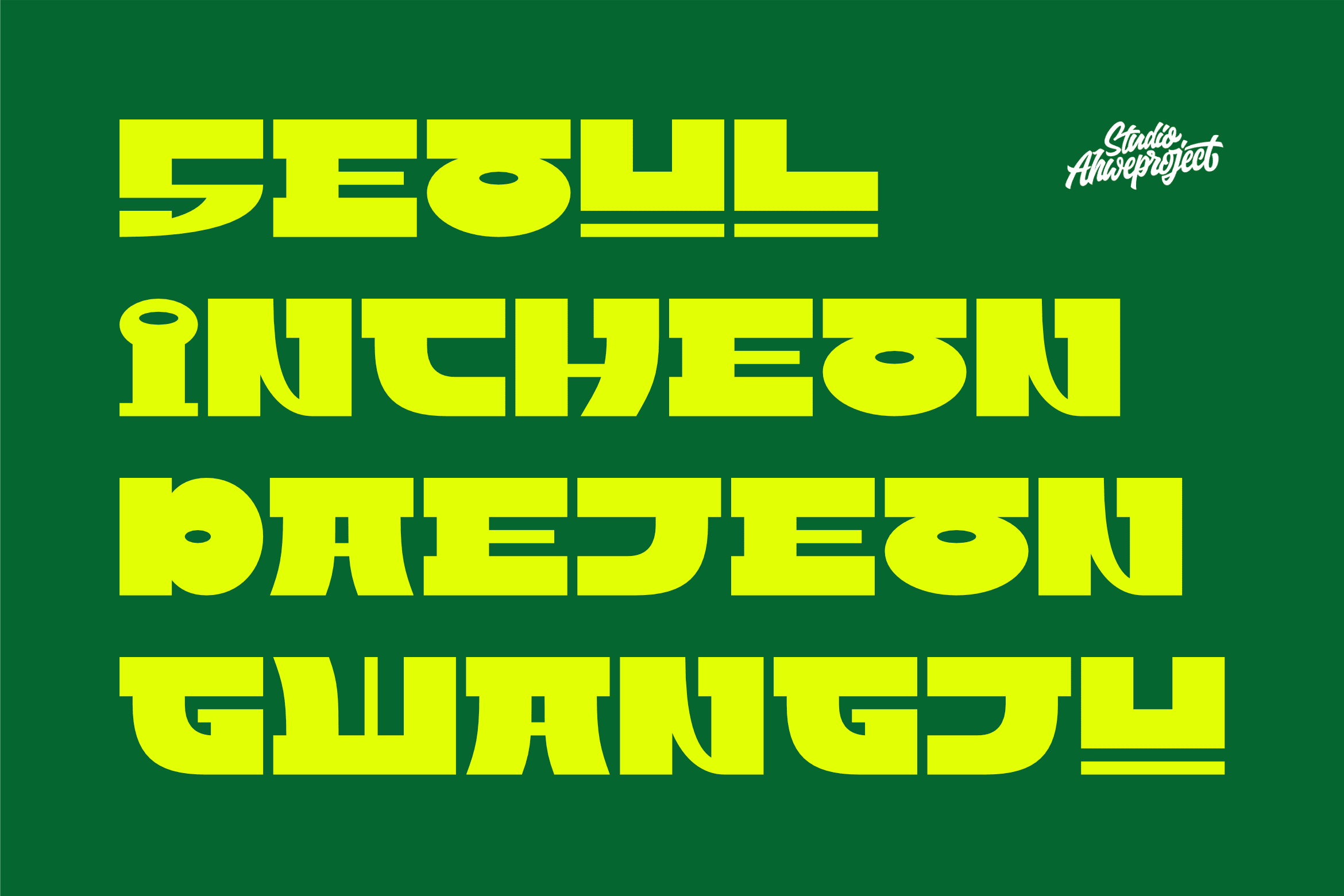
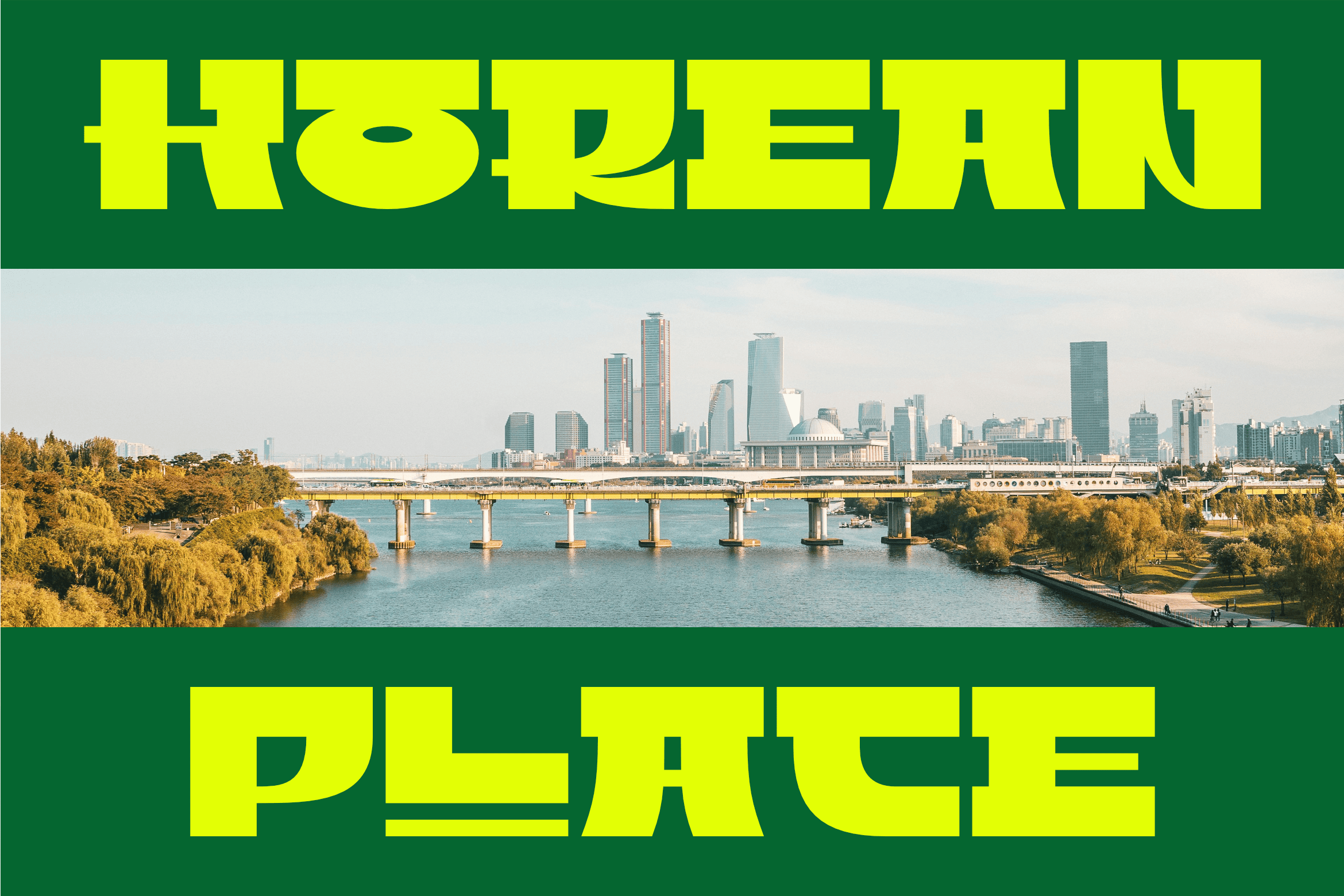
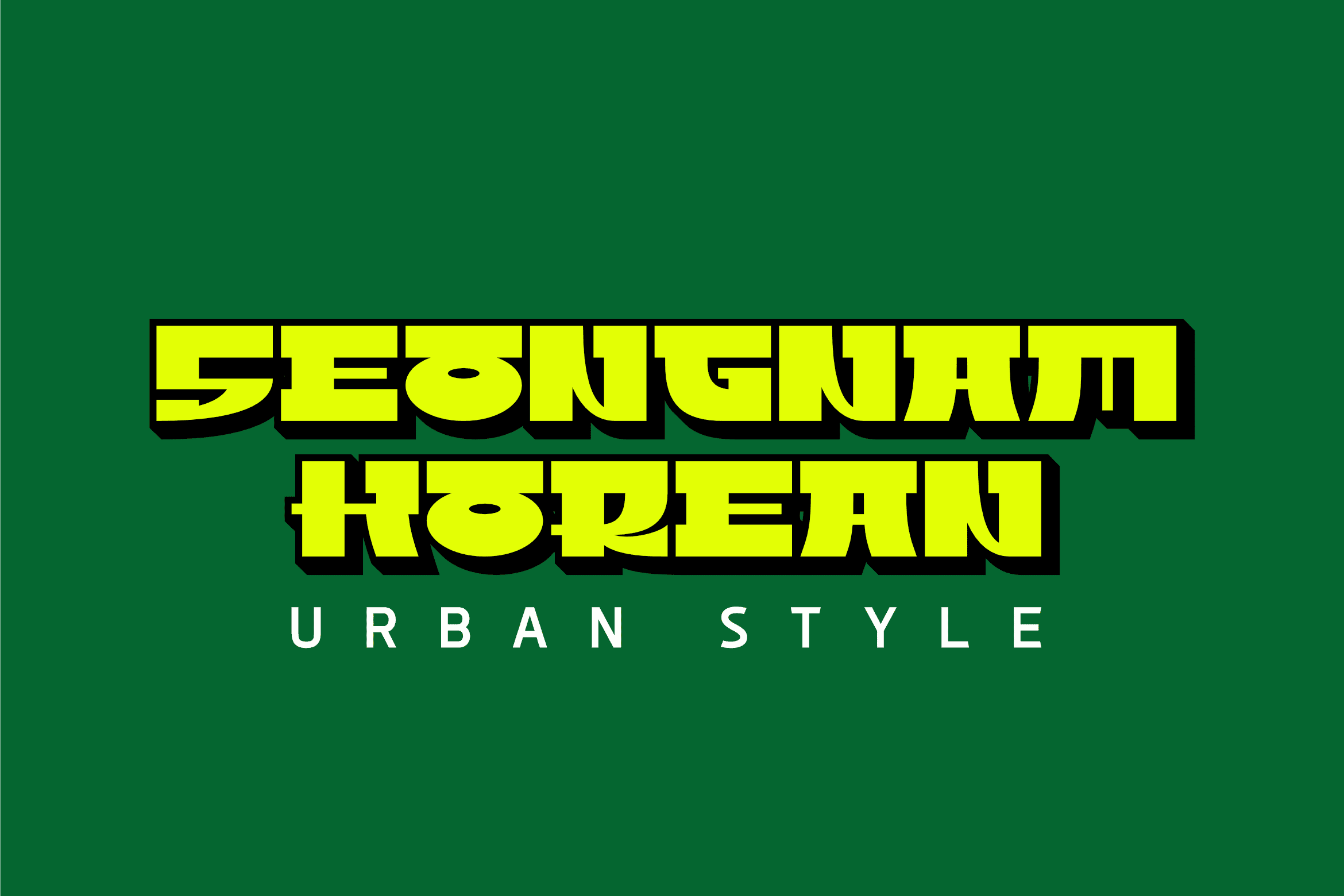
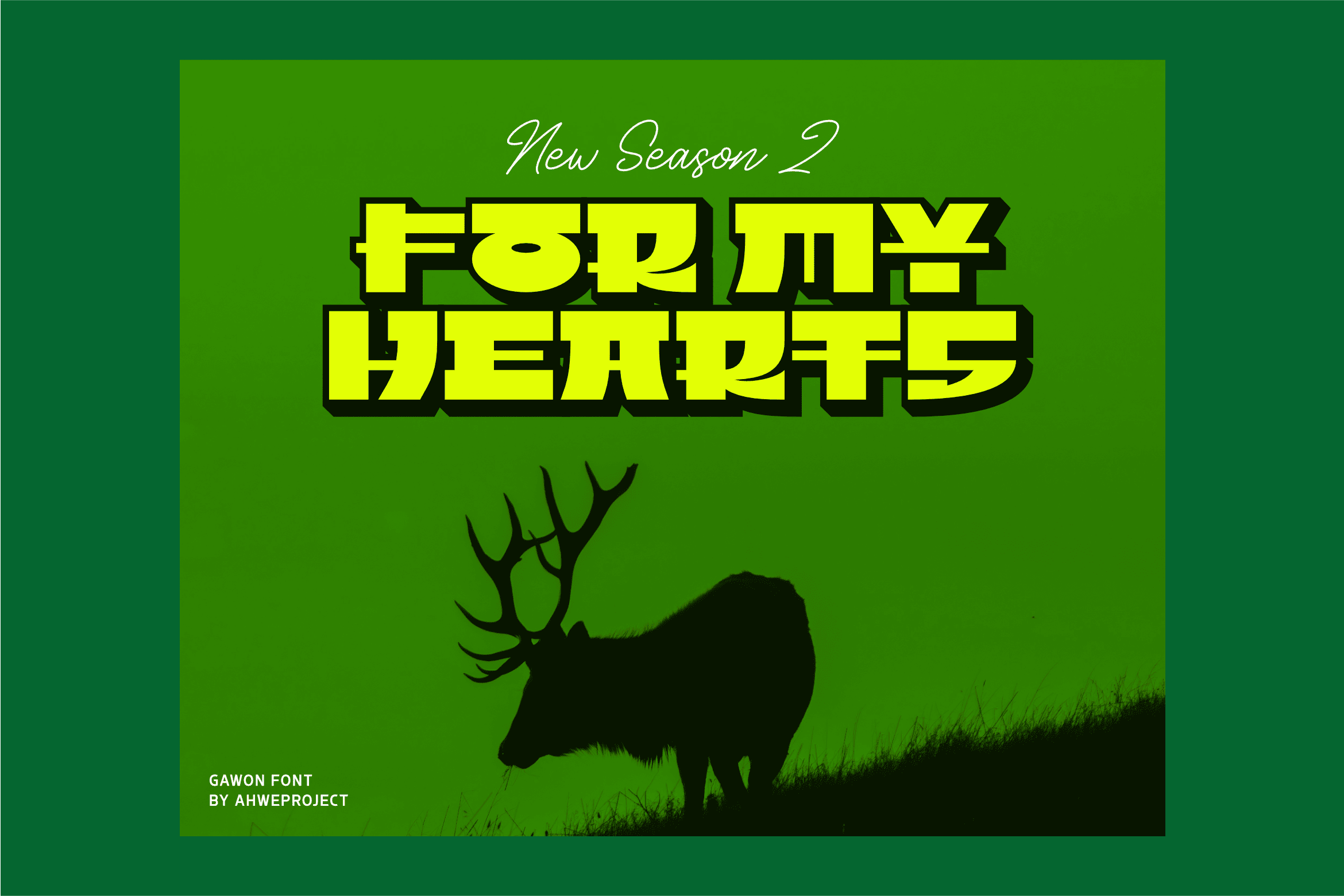
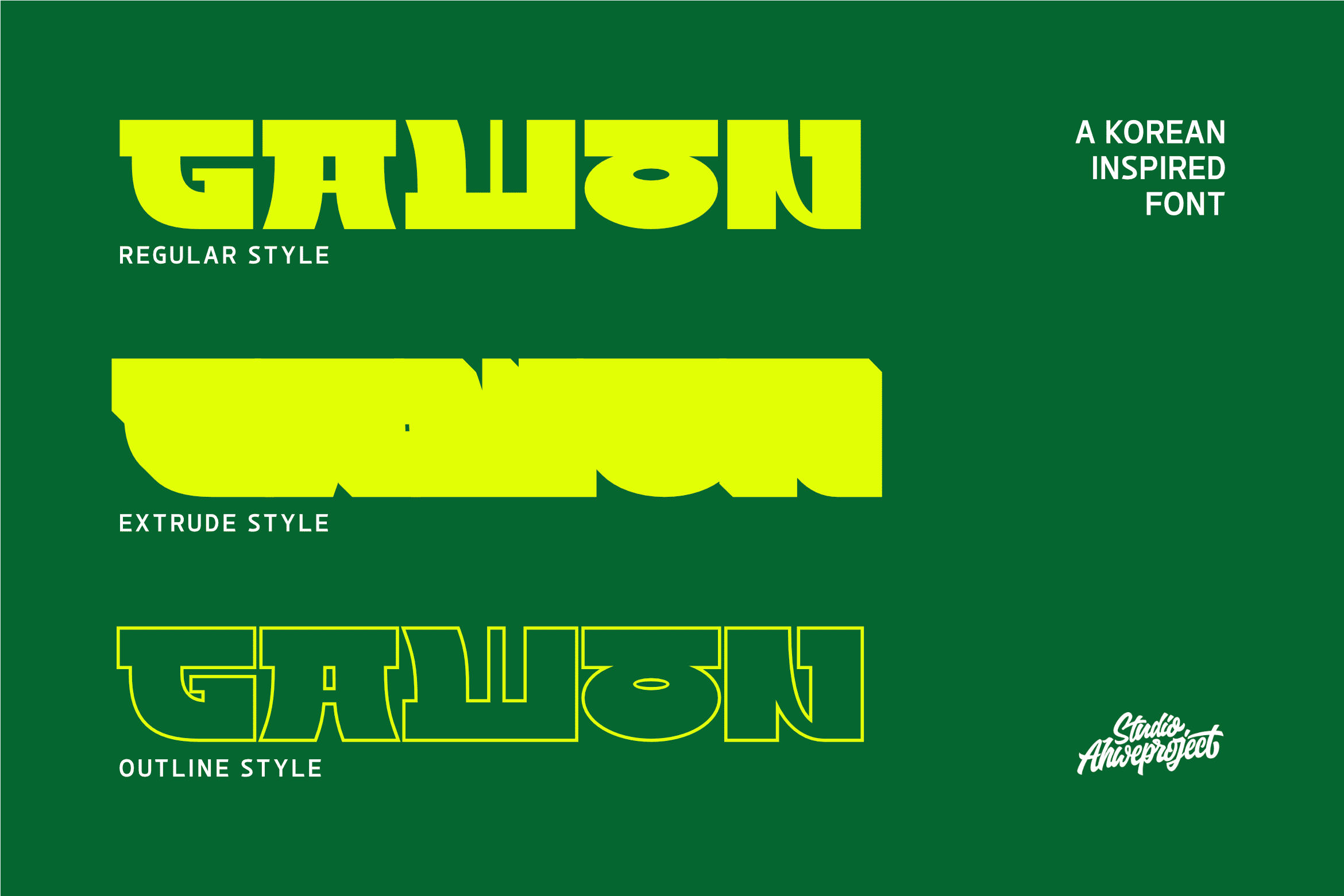
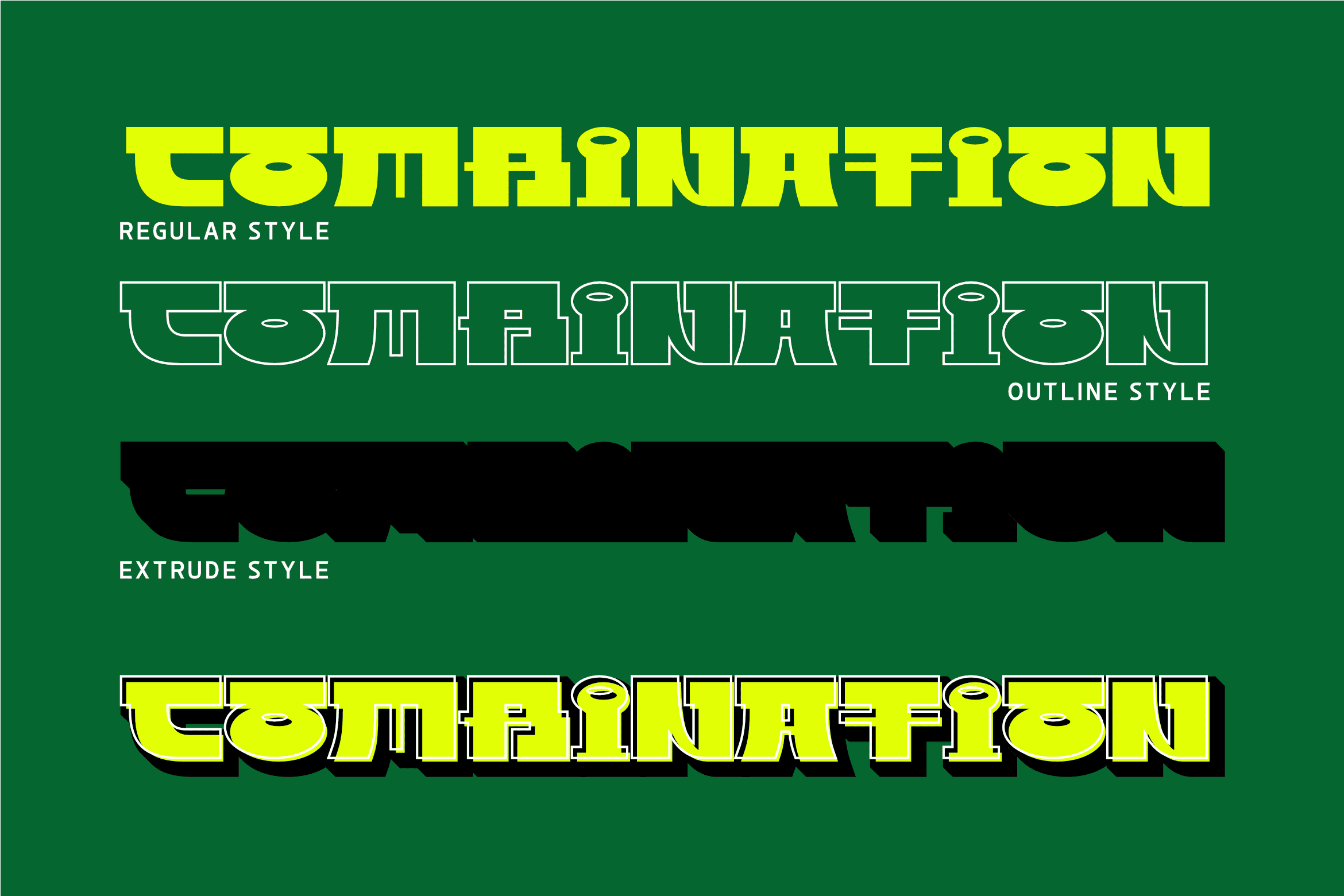
Gawon is a bold Korean-inspired display font that brings the distinctive visual character of Hangul into a modern Latin typeface. Built with strong geometric shapes, chunky proportions, and unconventional letterforms, Gawon creates an instantly recognizable look while remaining readable and versatile for contemporary design.
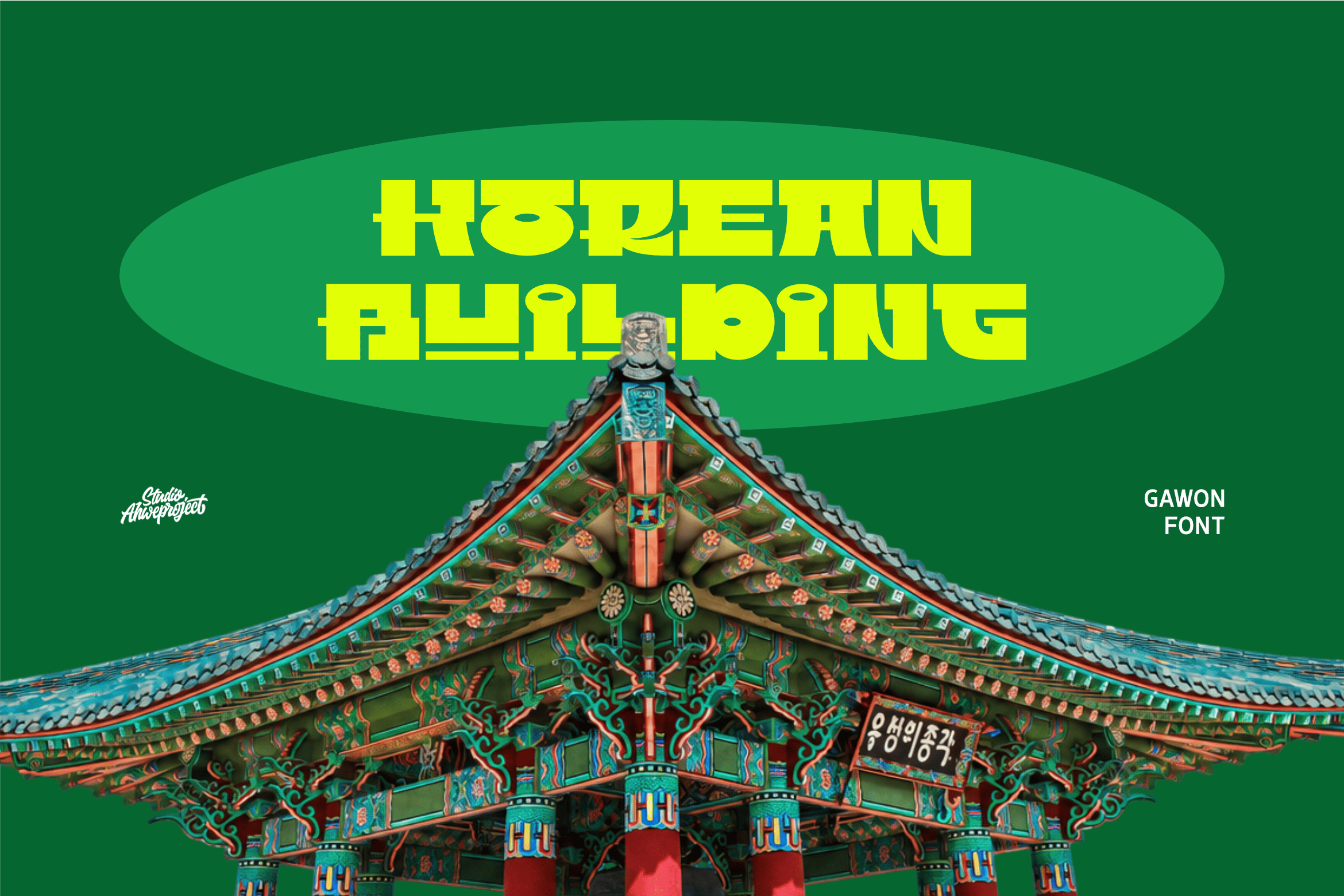
Its unique structure gives every word a strong visual presence, making Gawon especially effective for designs that need to feel modern, playful, cultural, and eye-catching. The Korean influence is reflected through the balance, block-like construction, and rounded geometric details of the characters, giving your typography a distinctive East Asian atmosphere without losing the familiarity of the Latin alphabet.
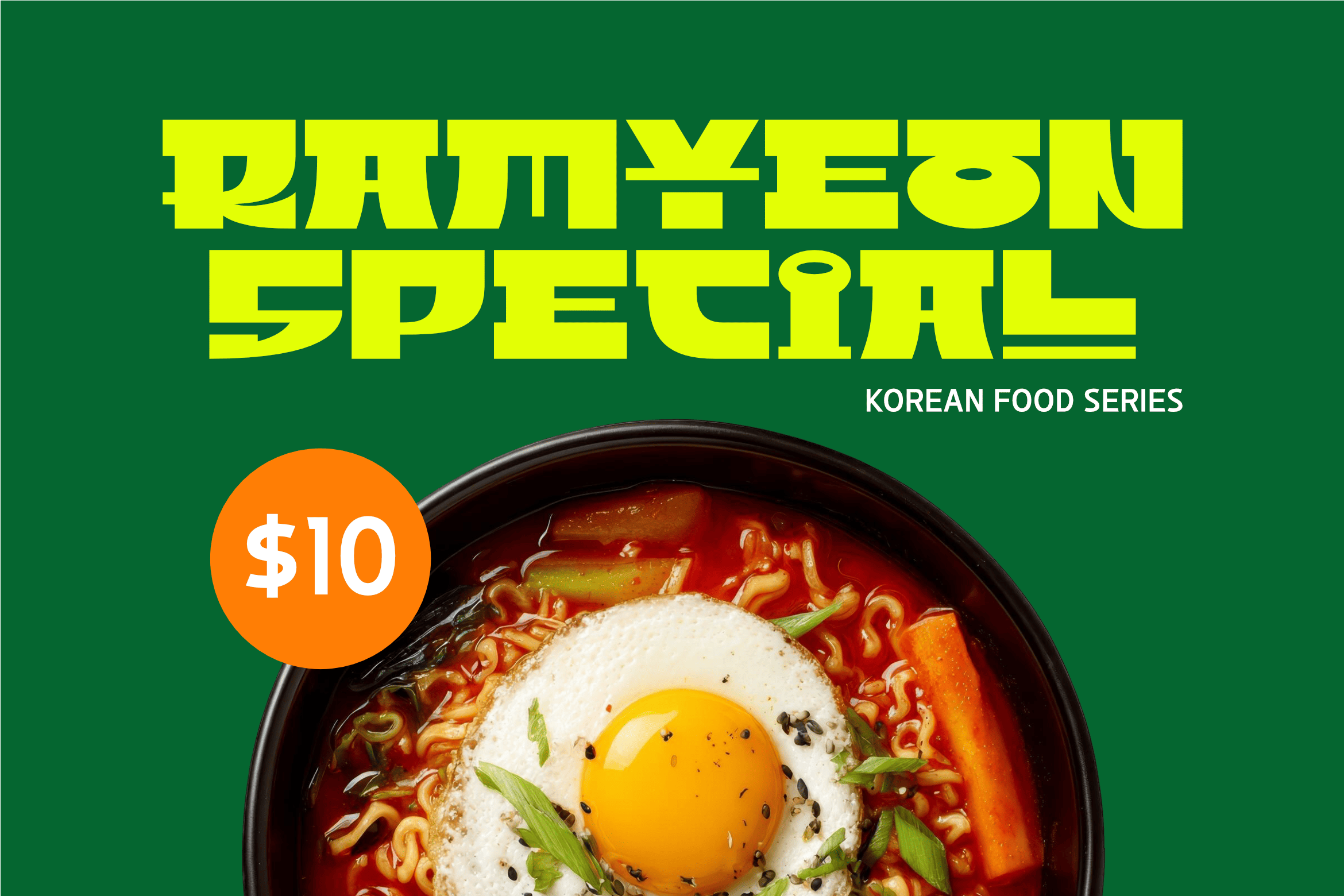
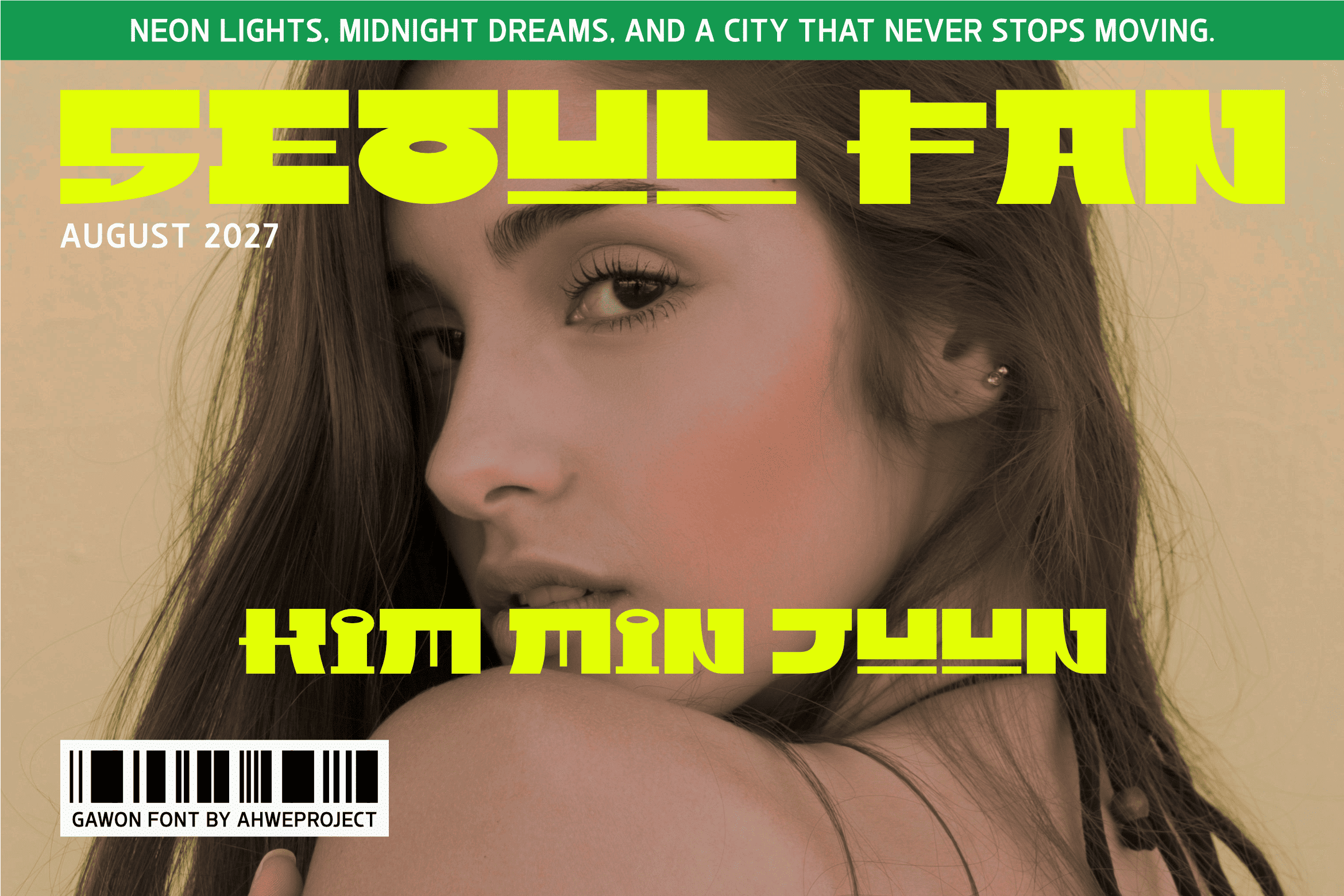
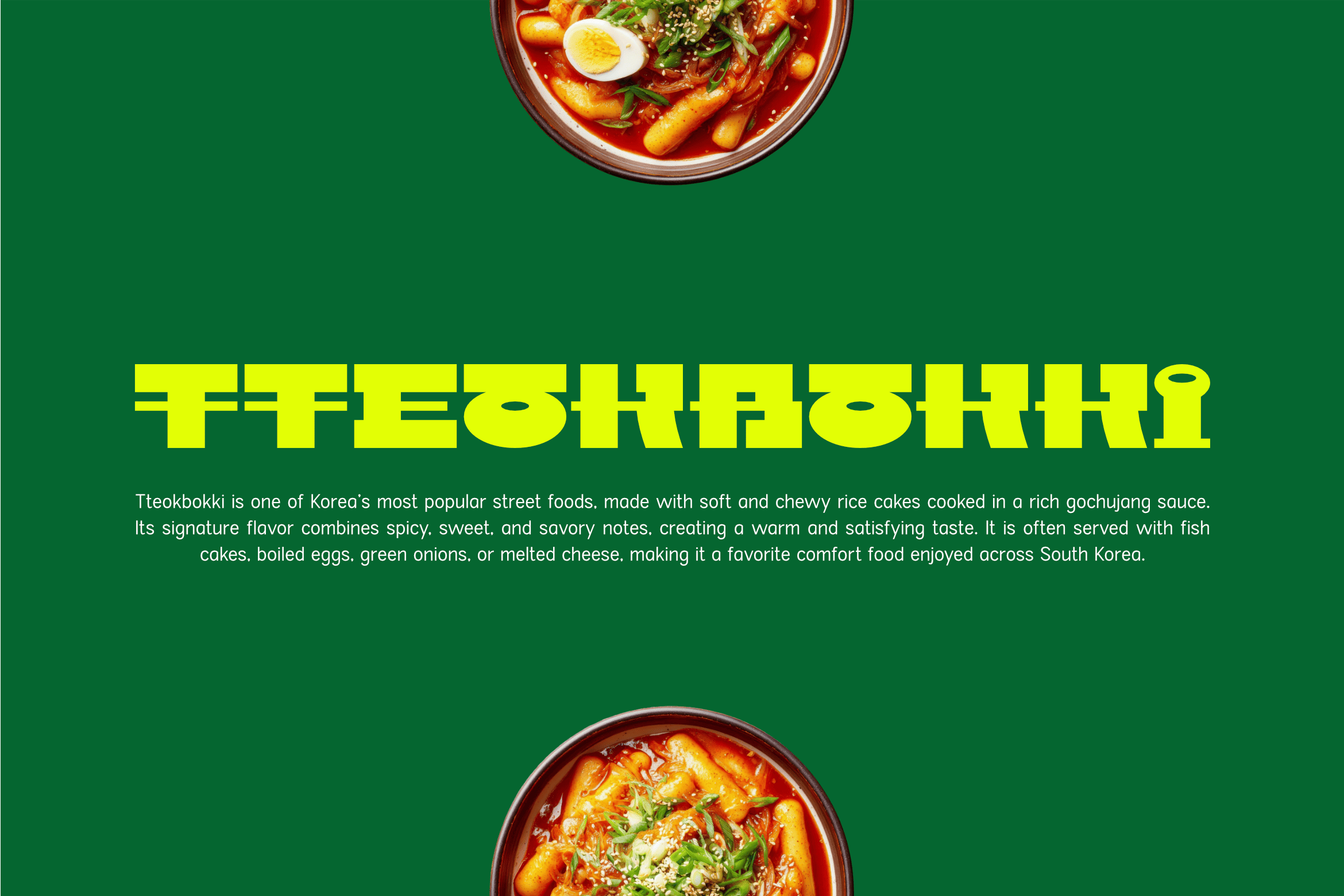
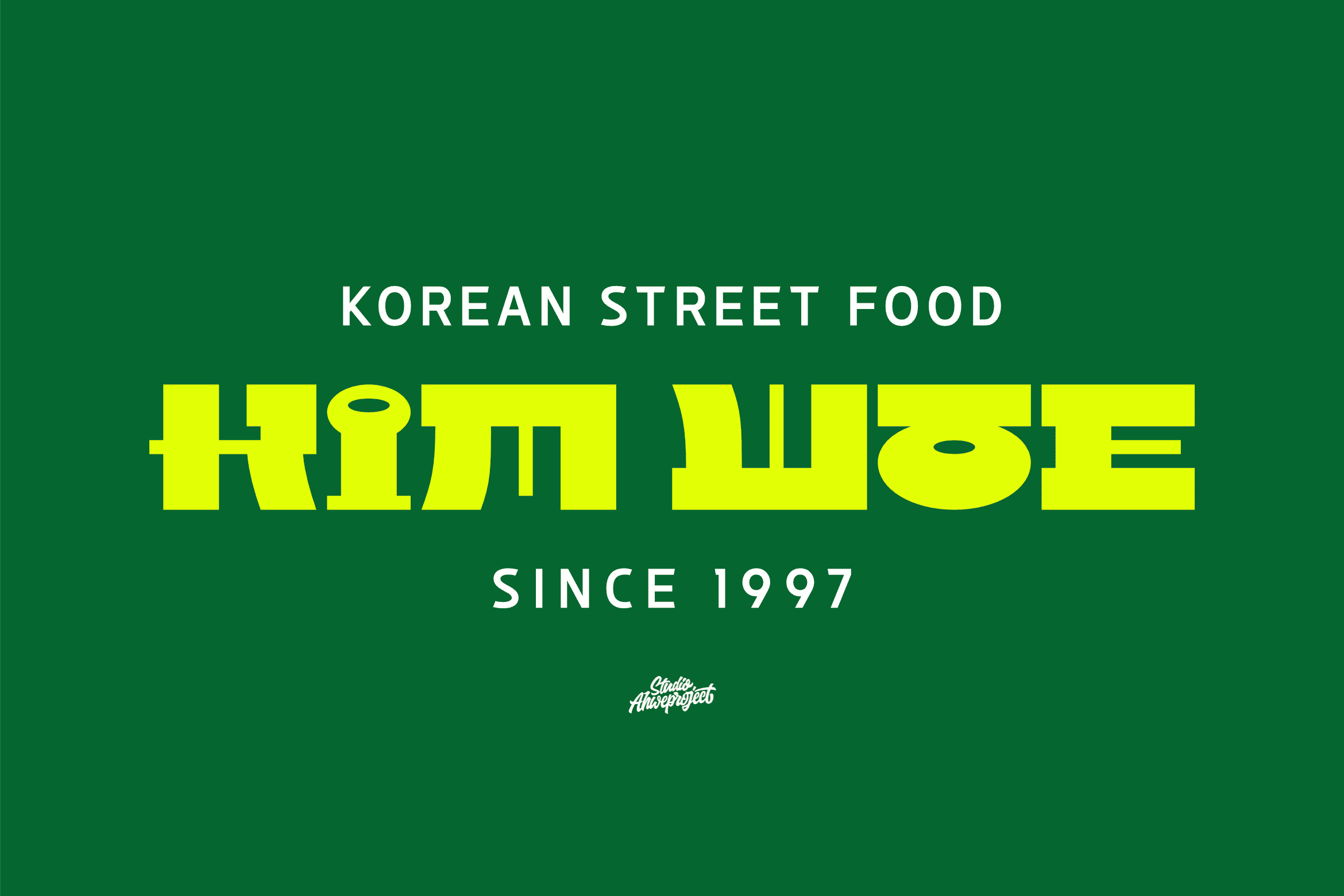
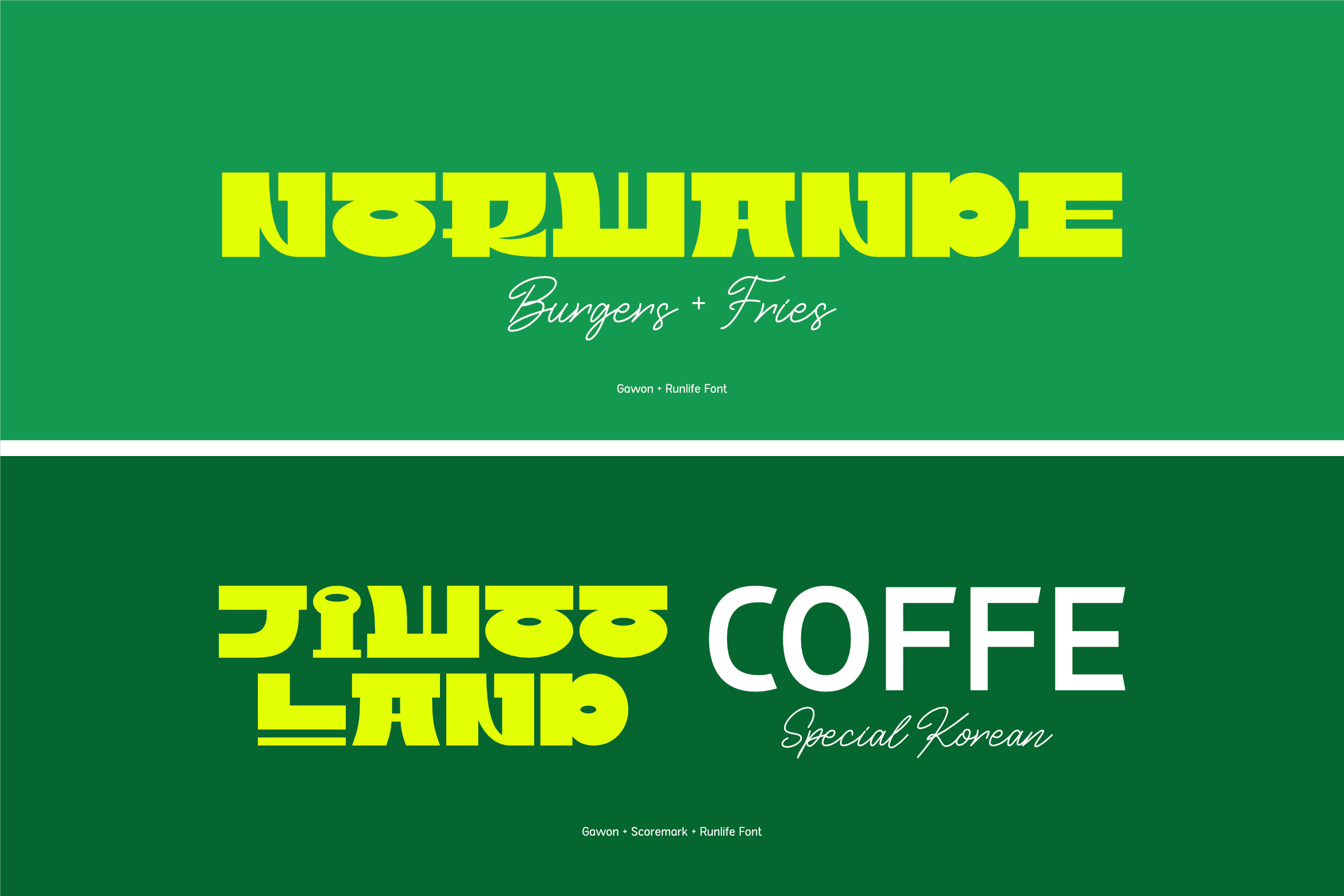
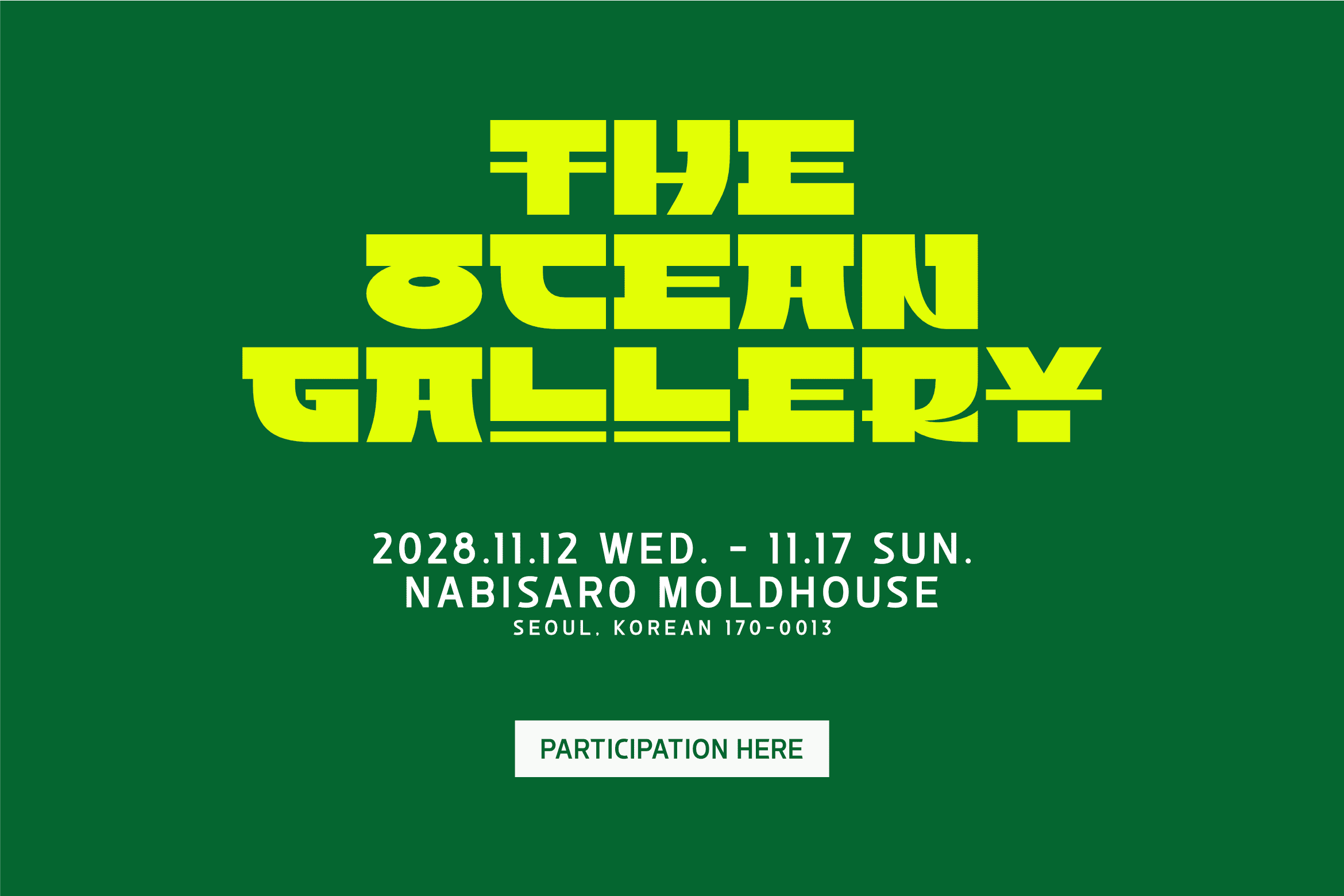
Gawon works best as a display and headline font. Its bold personality makes it ideal for posters, food packaging, restaurant branding, Korean-inspired products, album covers, music graphics, fashion designs, streetwear, logos, social media posts, YouTube thumbnails, advertisements, merchandise, café menus, magazines, event graphics, and other creative projects.
Whether you’re creating a modern Seoul-inspired poster, Korean food branding, K-pop-inspired artwork, or simply looking for a display font with an unusual personality, Gawon helps turn simple words into strong visual statements.
Give your next project a fresh Korean-inspired character with Gawon.
Features:
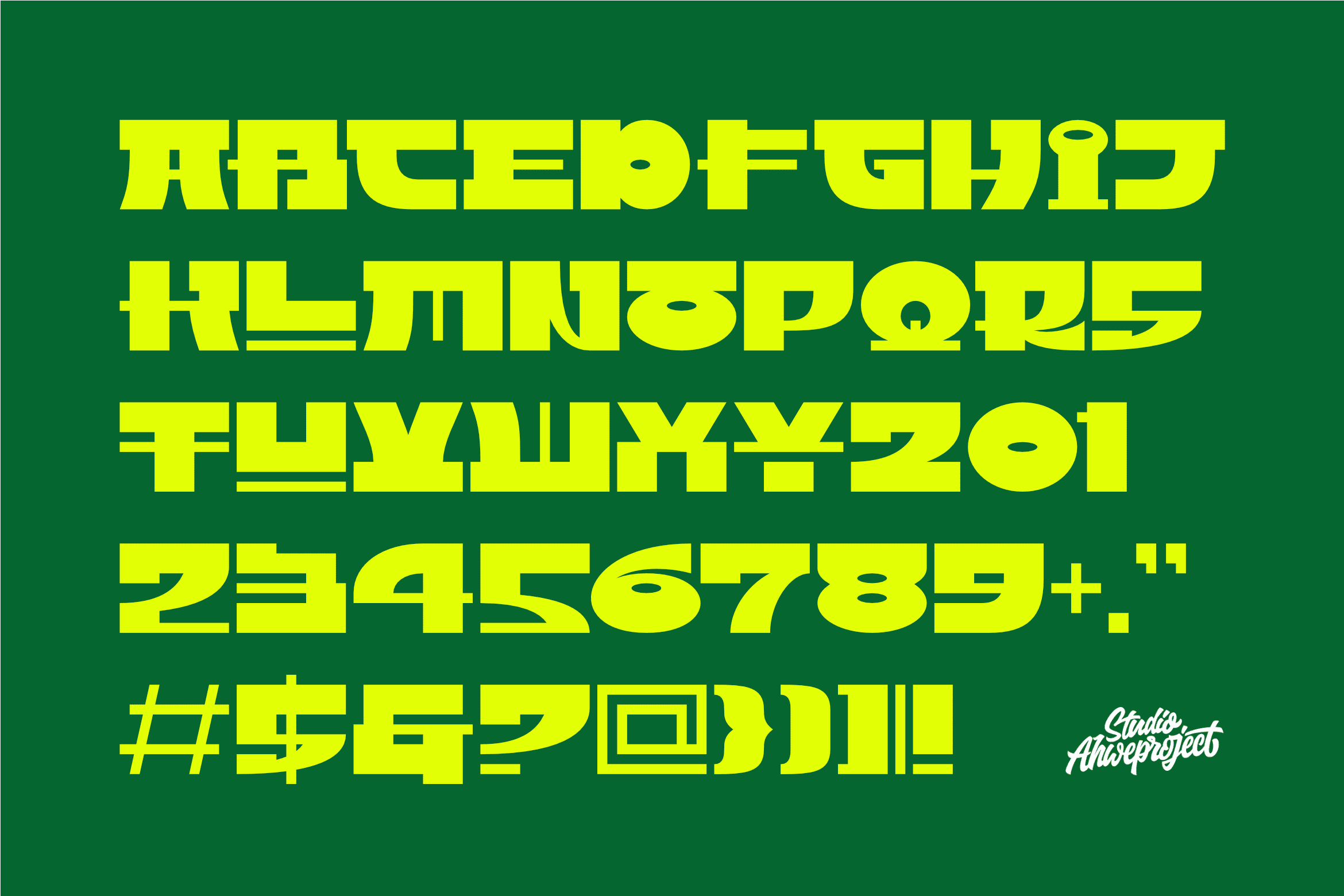
- Uppercase & lowercase
- Numbers and punctuation
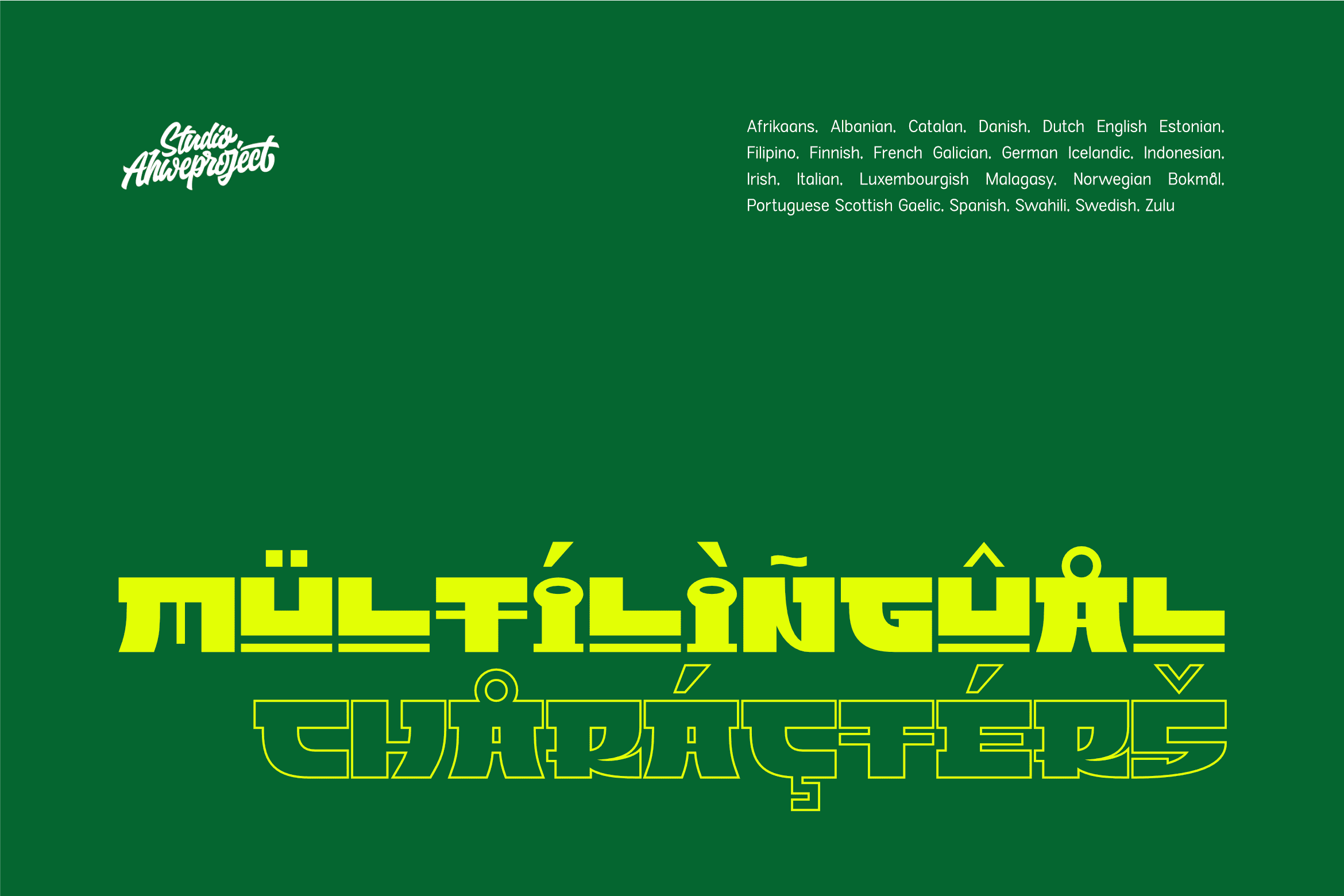
- Multilingual
- PUA encoded
We strongly recommend using applications that support Opentype Features and Glyphs panels such as Adobe Apps and Corel Draw. So you can see and access all the variations of Glyphs.
Happy Design!
Reviews
Character Set
Language Coverage
Open to check language coverage.
Based on character checks across all preview styles.
How we check
We check the Unicode character maps of every preview style against required characters for a list of 16 Latin-based languages. A language is listed only when all checked characters are present in every preview style. This does not verify visual quality, shaping, or the contents of the purchased download. Languages outside this list are not assessed.
-
20% OFF

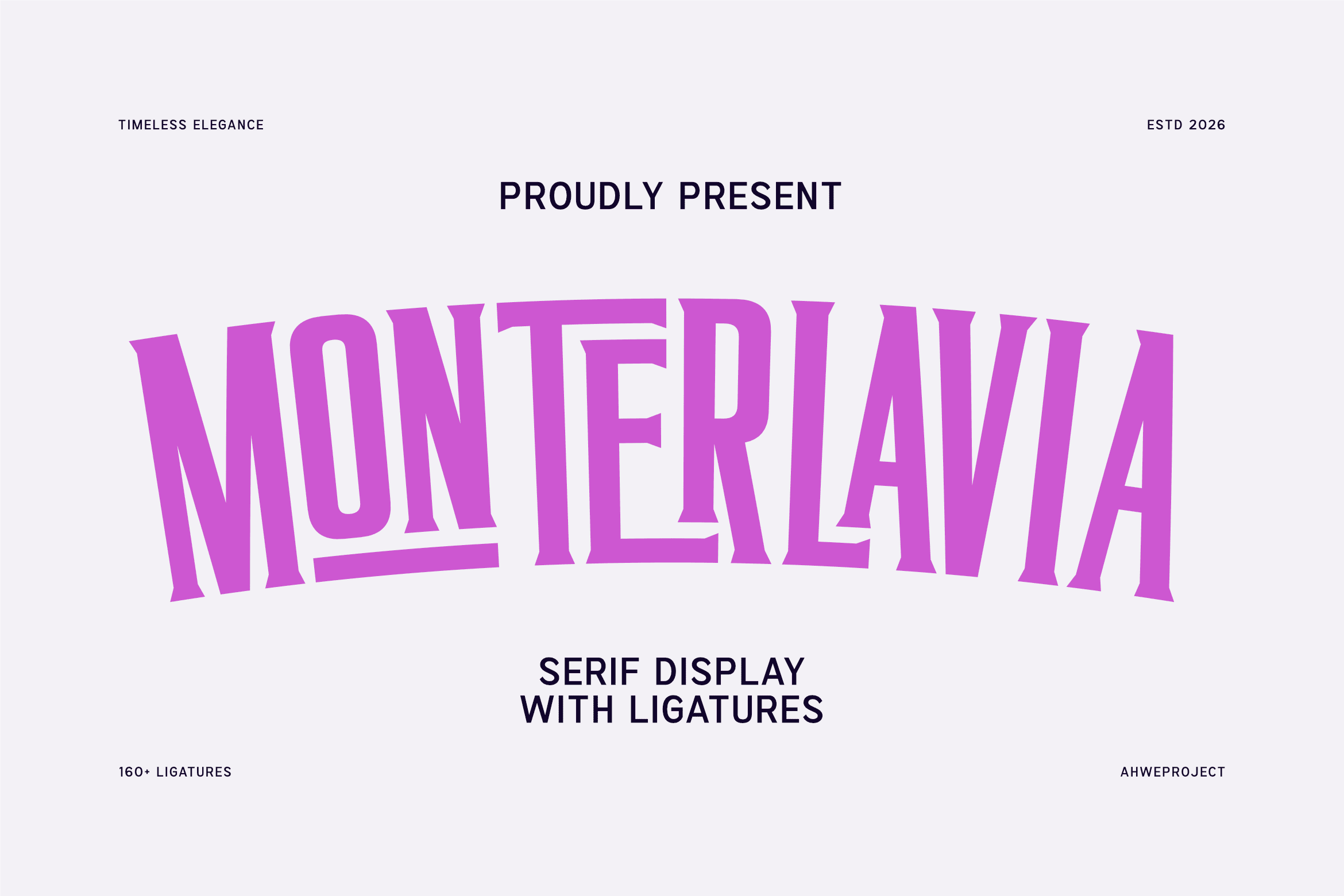
Monterlavia
Original price was: $15.$12Current price is: $12. This product has multiple variants. The options may be chosen on the product page -
20% OFF
Mindely
Original price was: $15.$12Current price is: $12. This product has multiple variants. The options may be chosen on the product page -
20% OFF
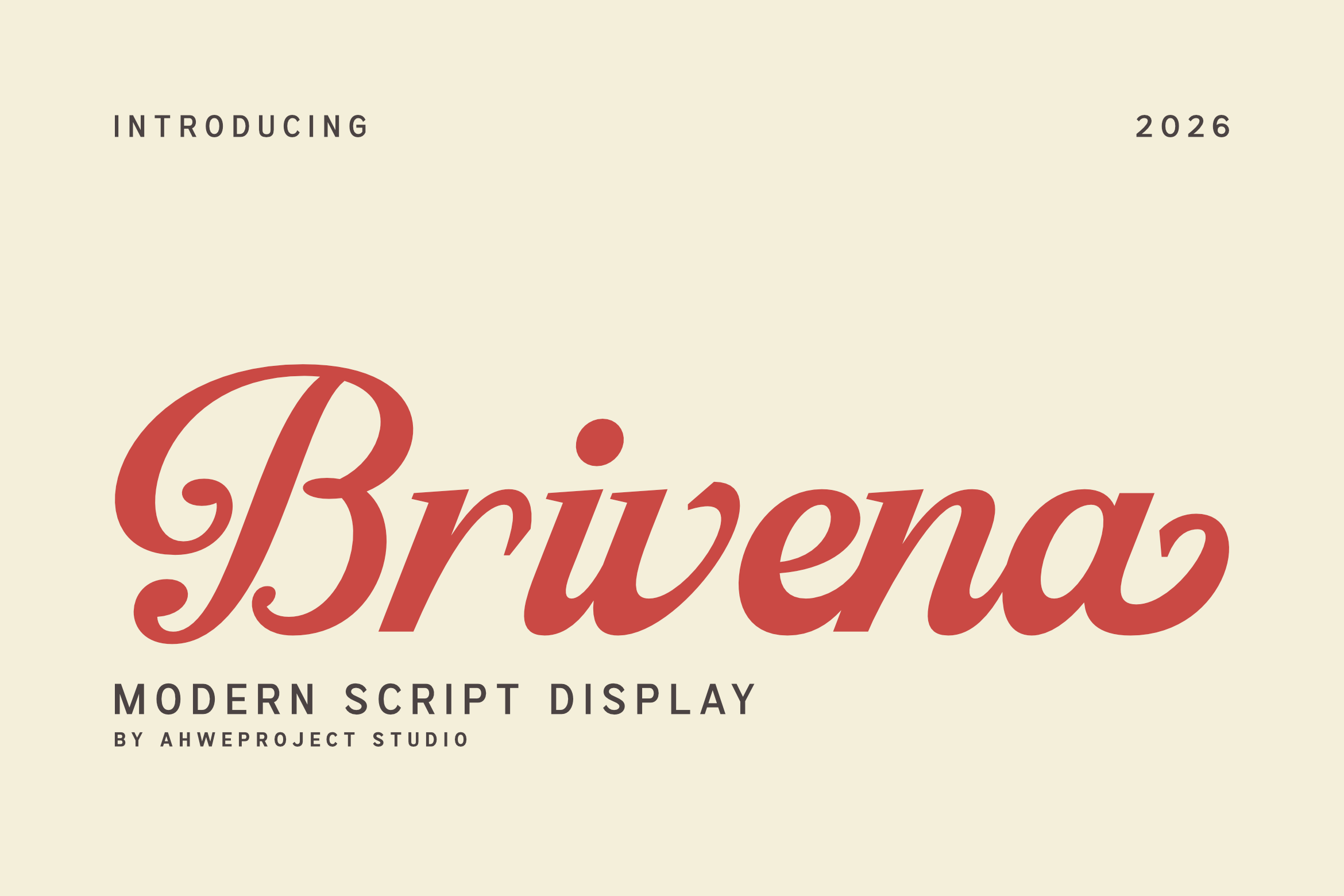
Brivena
Original price was: $15.$12Current price is: $12. This product has multiple variants. The options may be chosen on the product page -
20% OFF
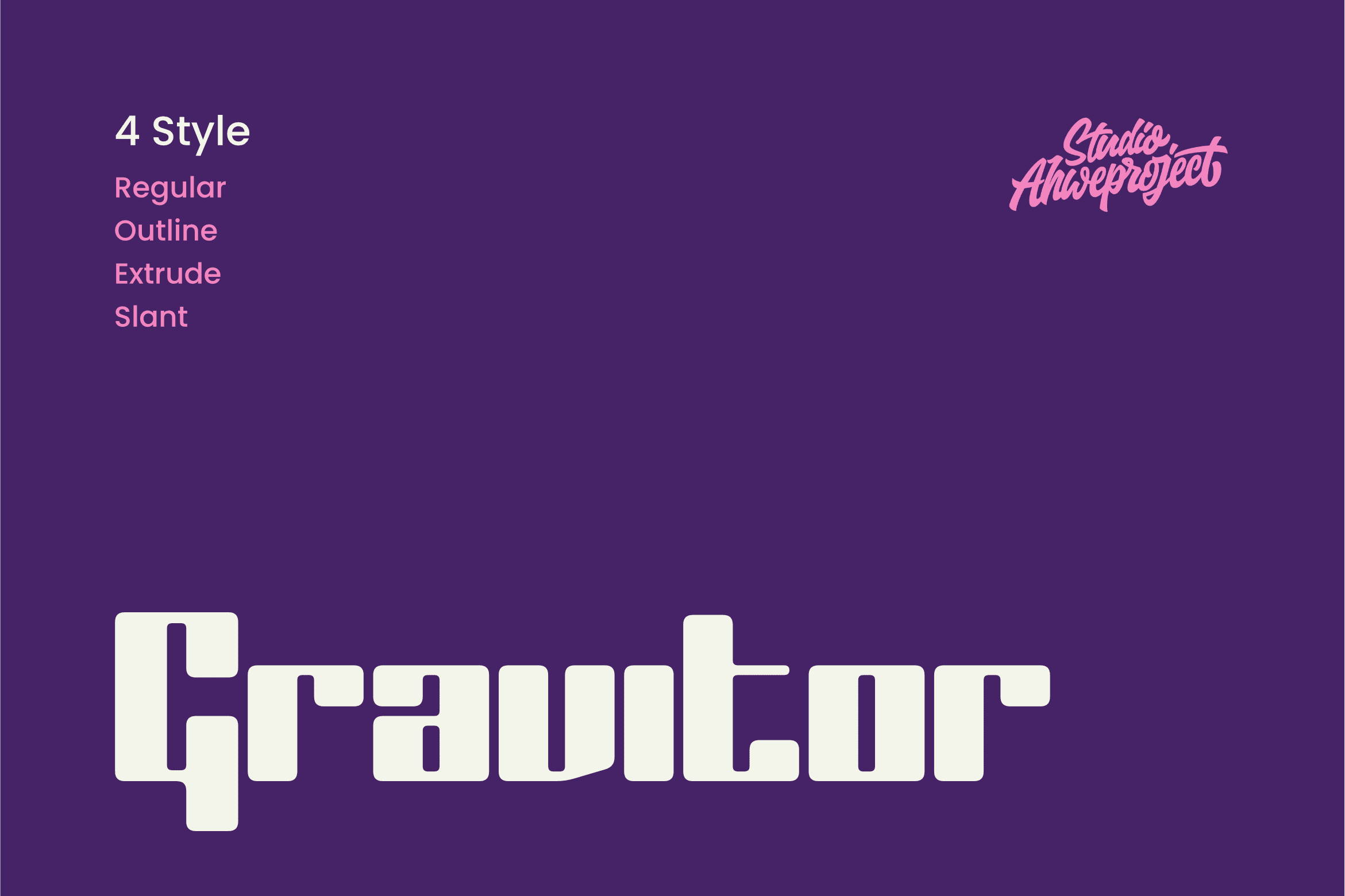
Gravitor
Original price was: $15.$12Current price is: $12. This product has multiple variants. The options may be chosen on the product page -
20% OFF
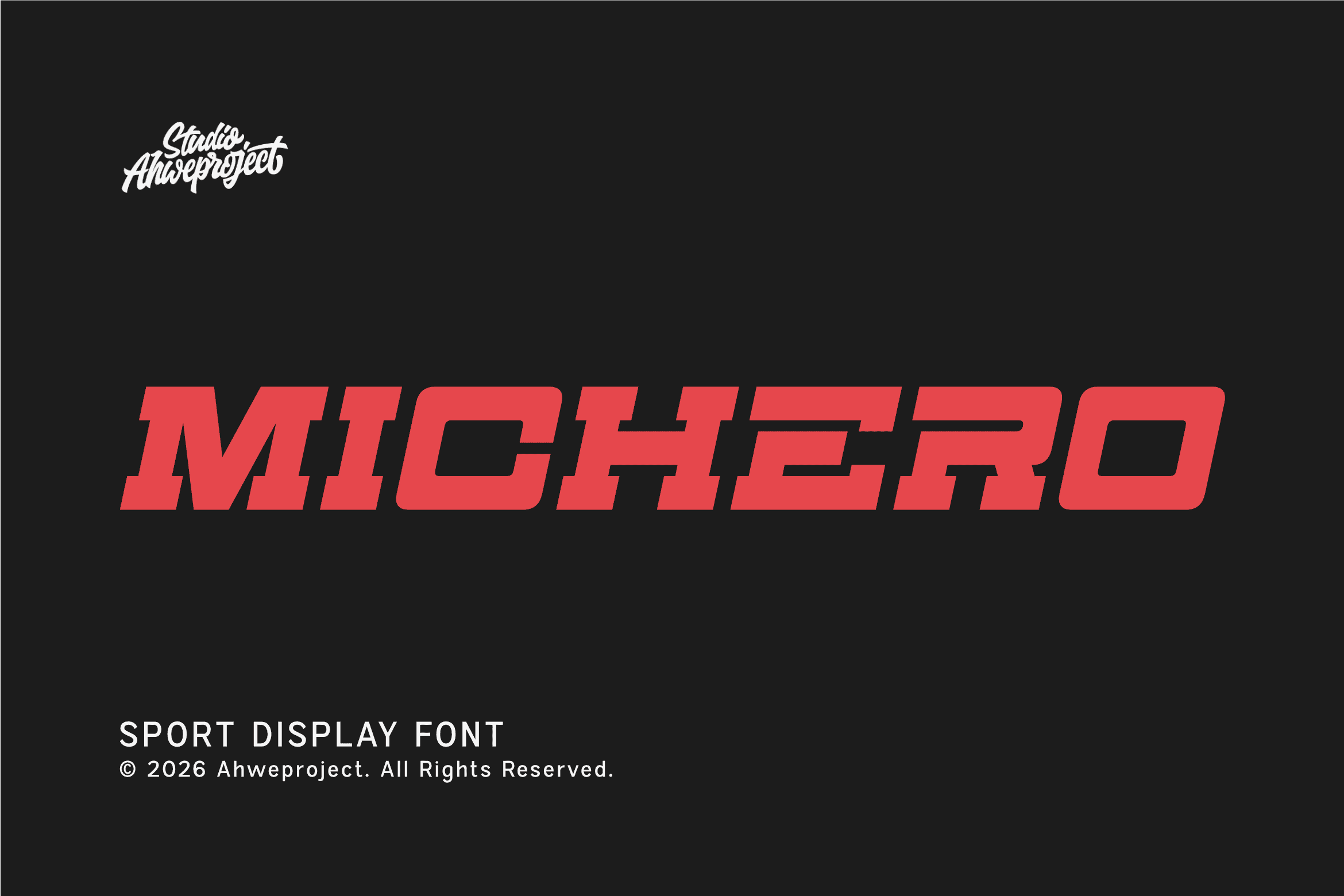
Michero
Original price was: $15.$12Current price is: $12. This product has multiple variants. The options may be chosen on the product page -
20% OFF
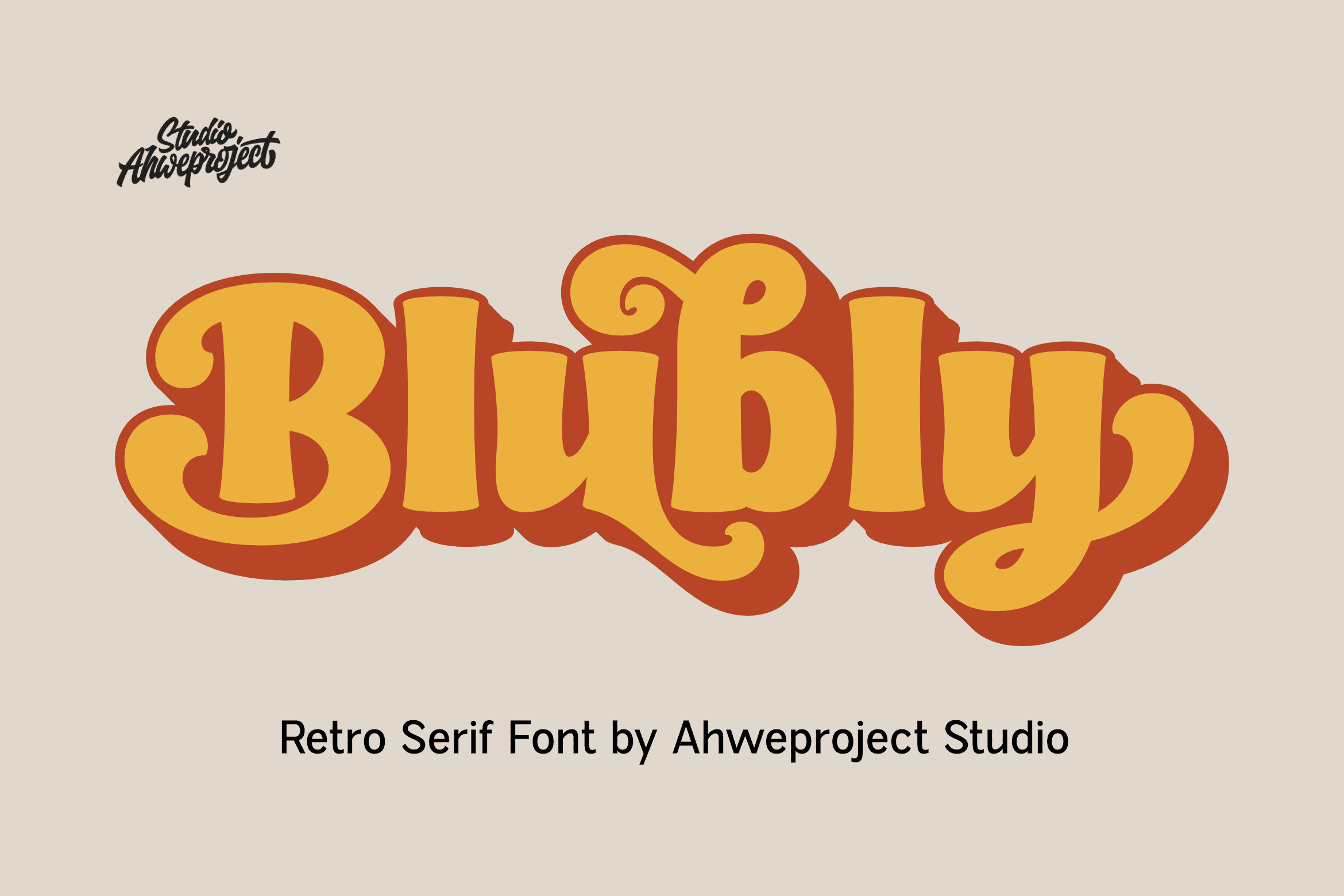
Blubly
Original price was: $15.$12Current price is: $12. This product has multiple variants. The options may be chosen on the product page -
20% OFF
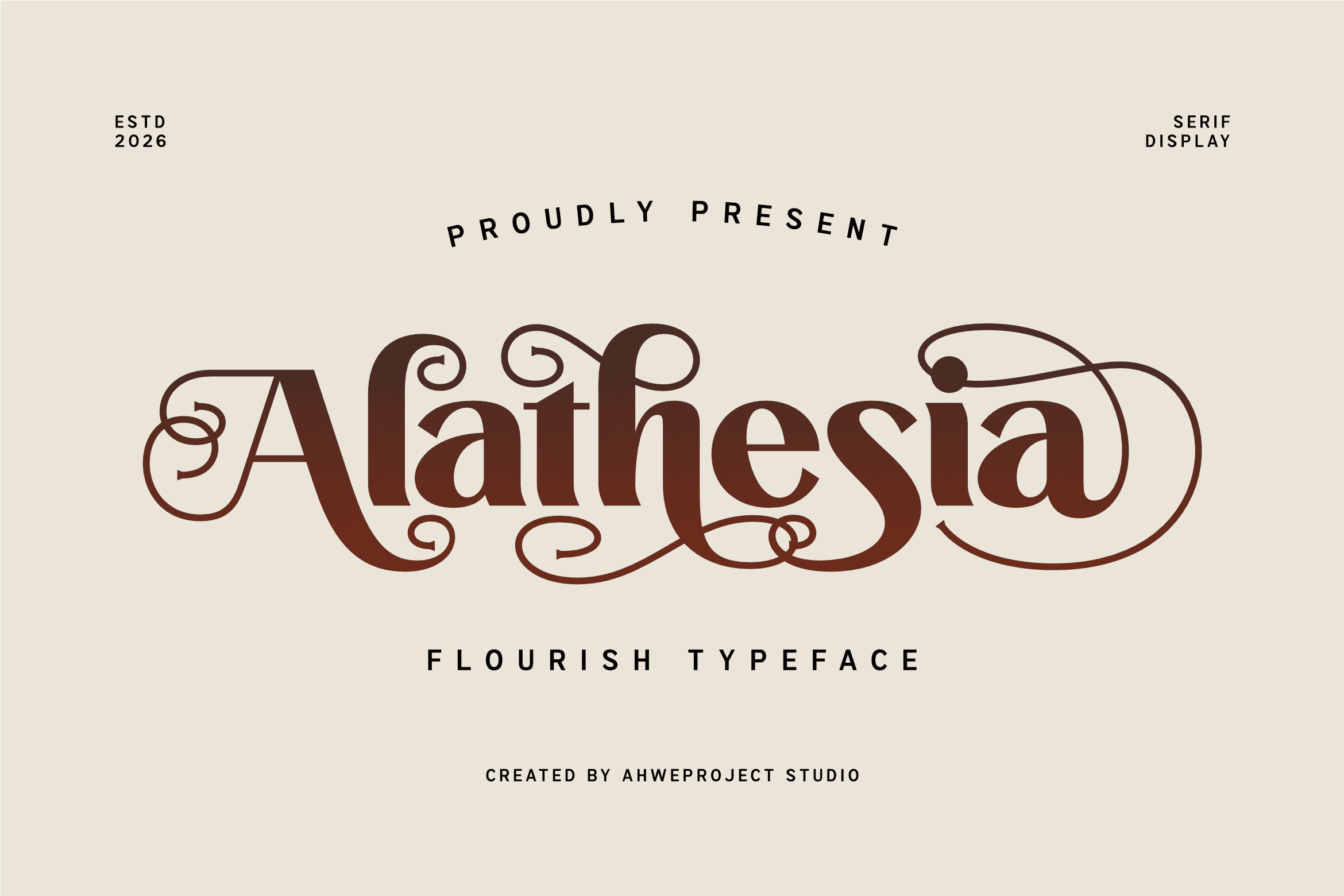
Alathesia
Original price was: $15.$12Current price is: $12. This product has multiple variants. The options may be chosen on the product page -
20% OFF
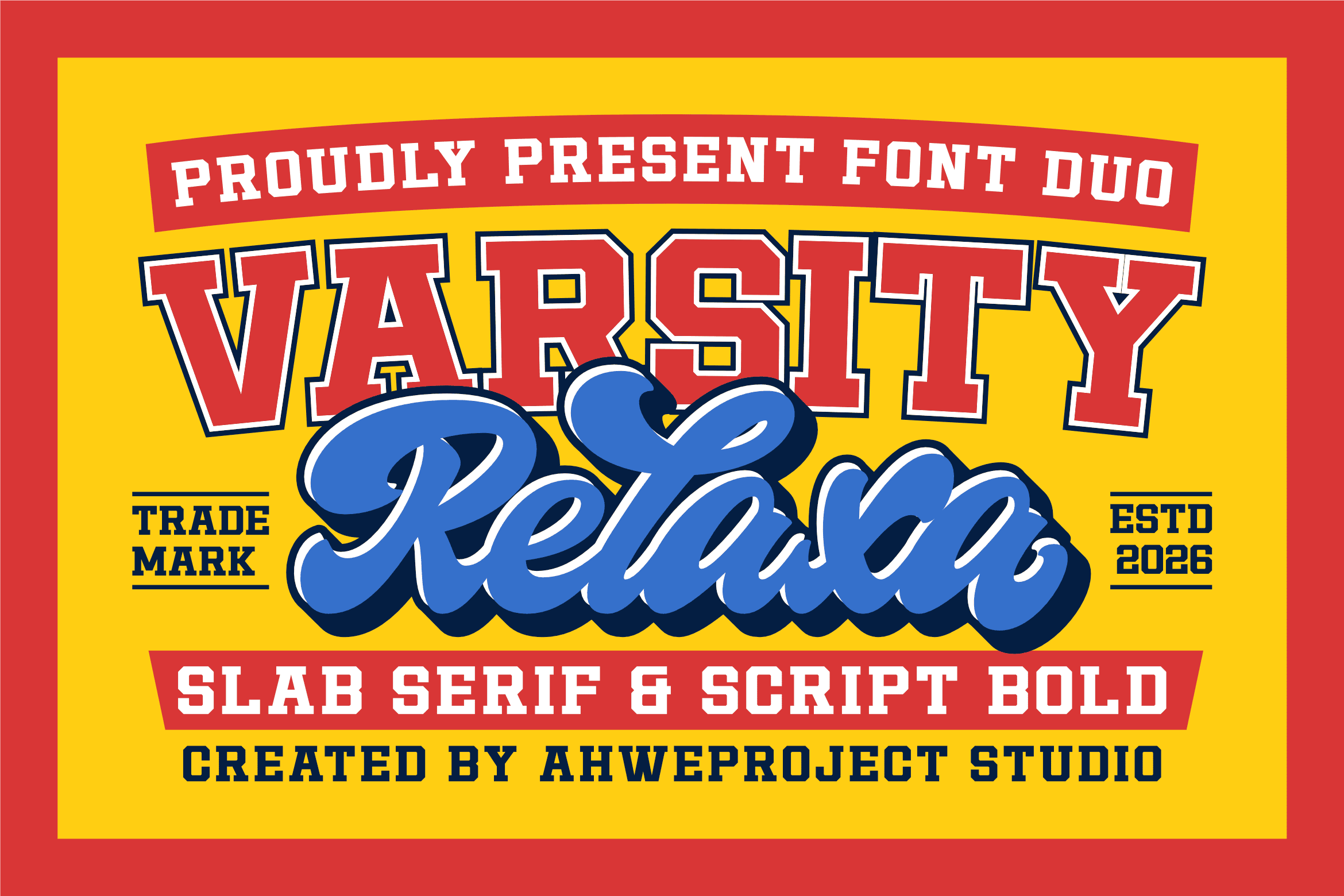
Varsity Relaxa
$15 This product has multiple variants. The options may be chosen on the product page -
20% OFF
Squarvia
Original price was: $15.$12Current price is: $12. This product has multiple variants. The options may be chosen on the product page -
20% OFF
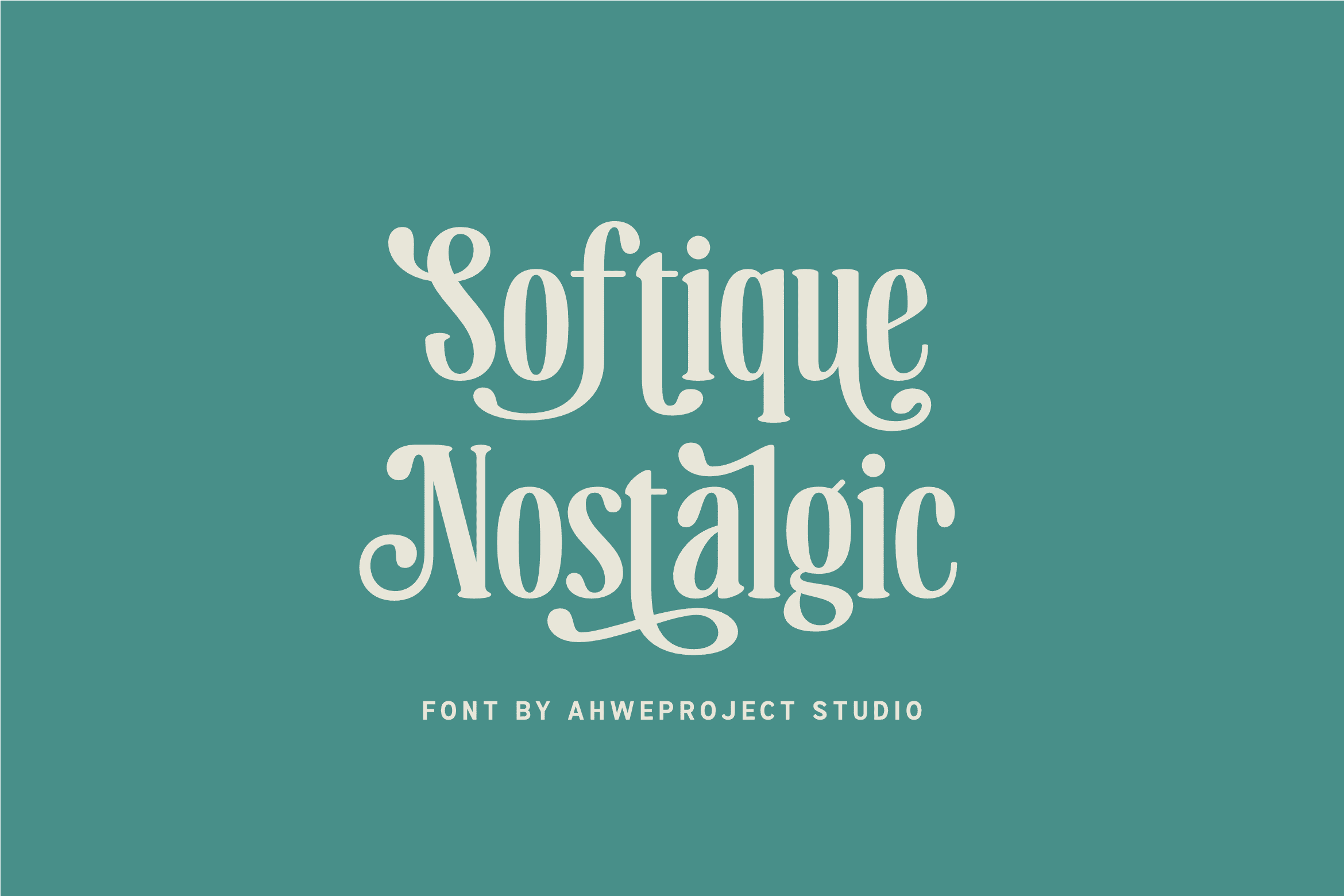
Softique Nostalgic
Original price was: $15.$12Current price is: $12. This product has multiple variants. The options may be chosen on the product page -
20% OFF
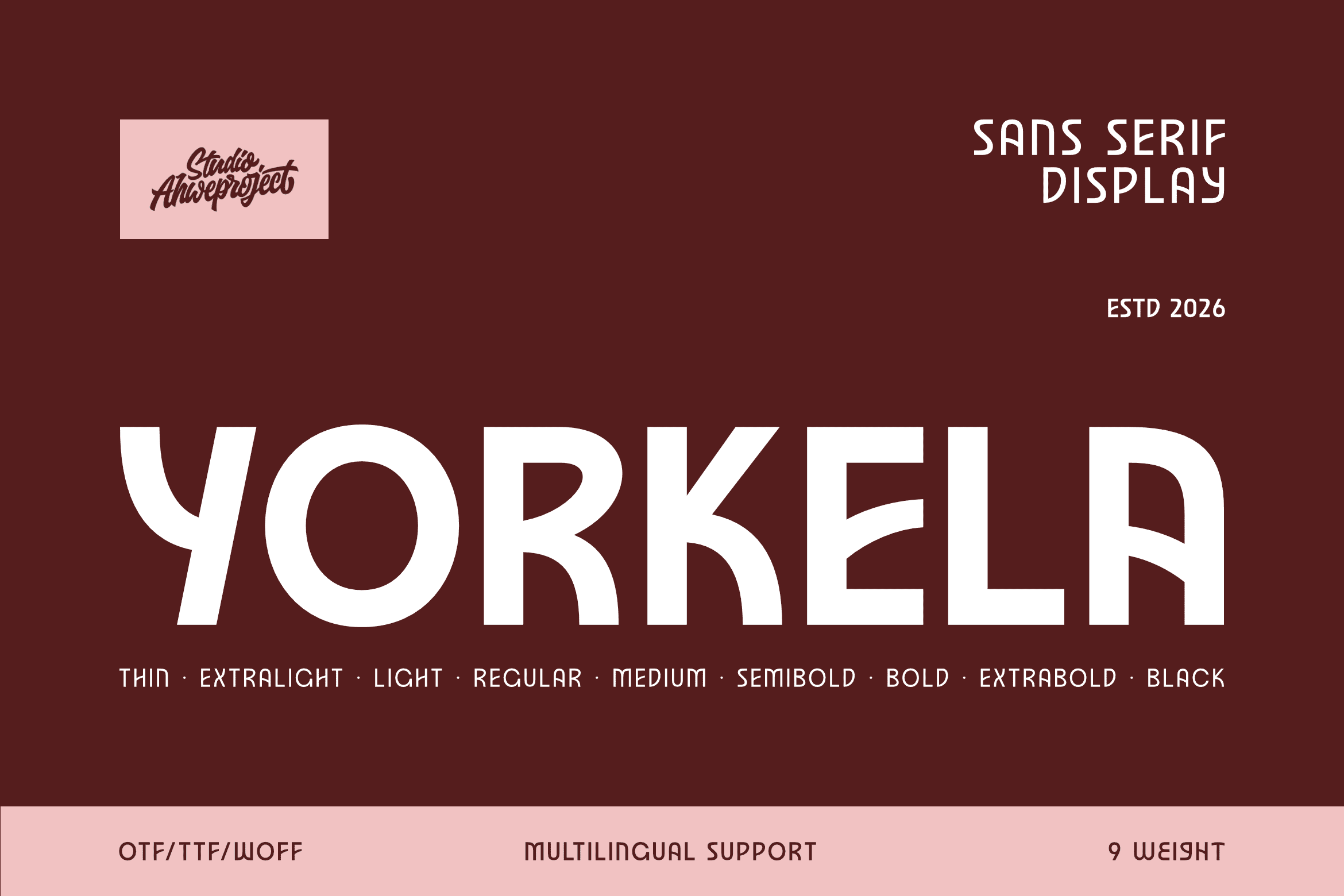
Yorkela
Original price was: $15.$12Current price is: $12. This product has multiple variants. The options may be chosen on the product page -
20% OFF
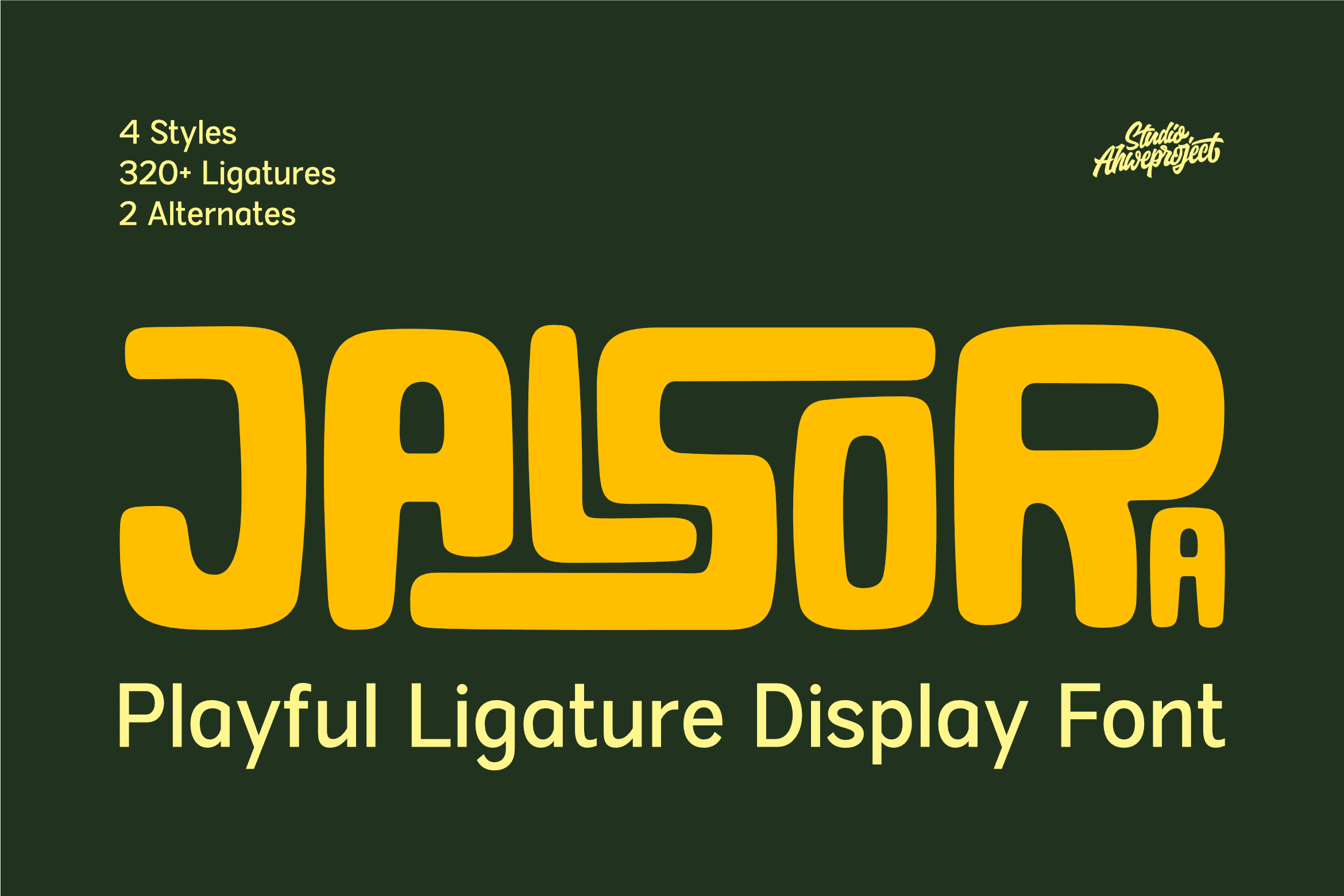
Jalsora
Original price was: $15.$12Current price is: $12. This product has multiple variants. The options may be chosen on the product page -
20% OFF
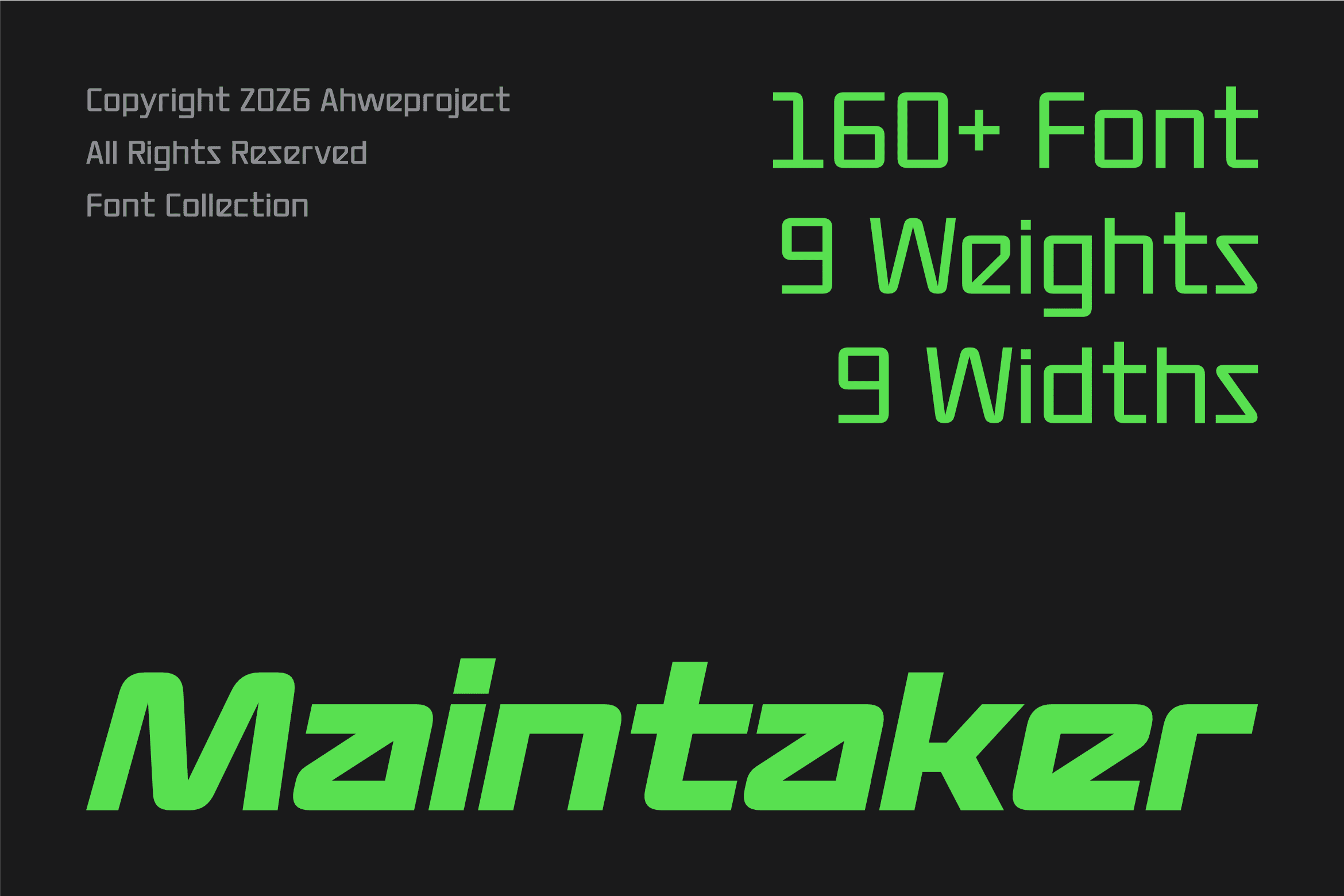
Maintaker
Original price was: $15.$12Current price is: $12. This product has multiple variants. The options may be chosen on the product page -
20% OFF
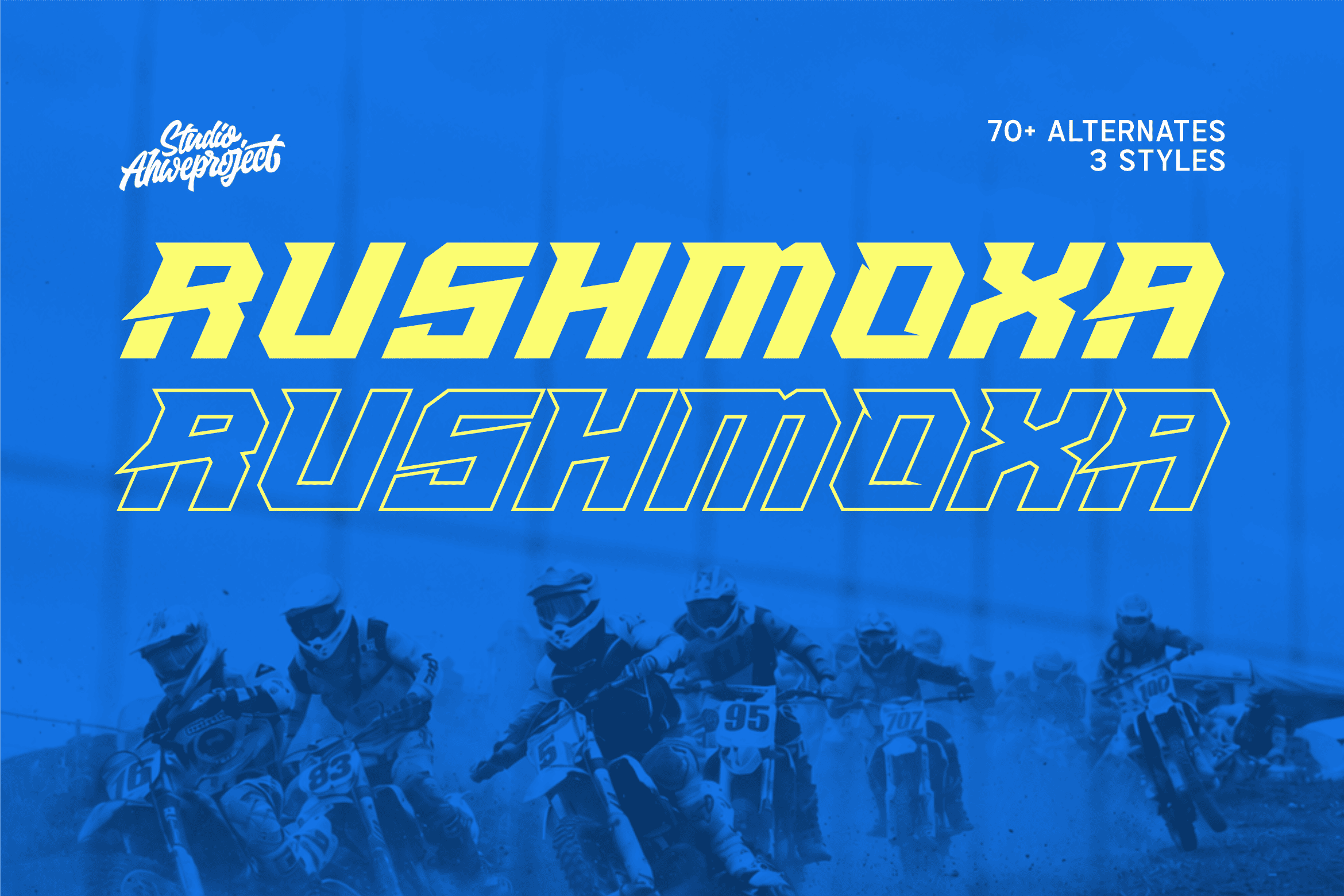
Rushmoxa
Original price was: $15.$12Current price is: $12. This product has multiple variants. The options may be chosen on the product page -
20% OFF
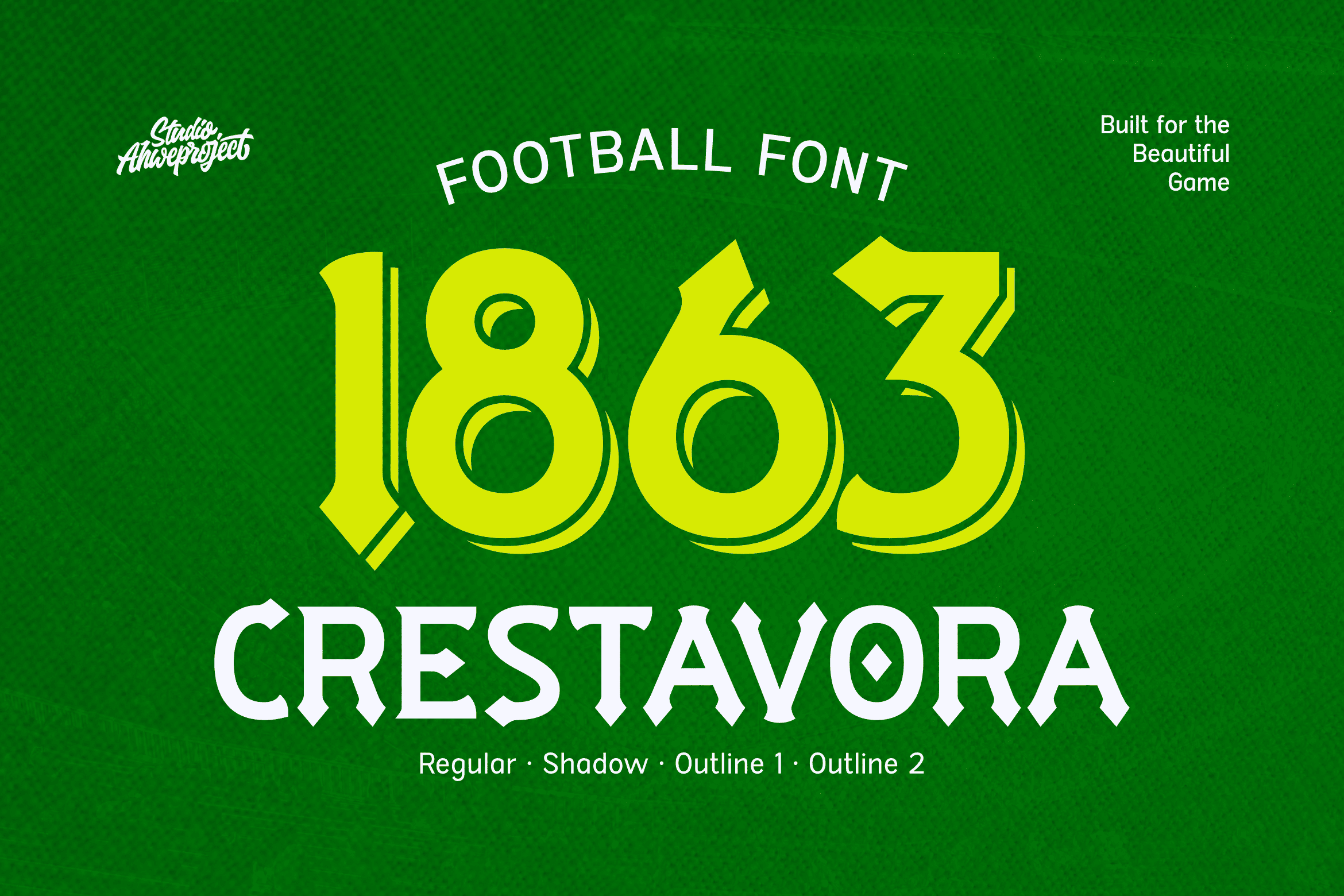
Crestavora
Original price was: $15.$12Current price is: $12. This product has multiple variants. The options may be chosen on the product page -
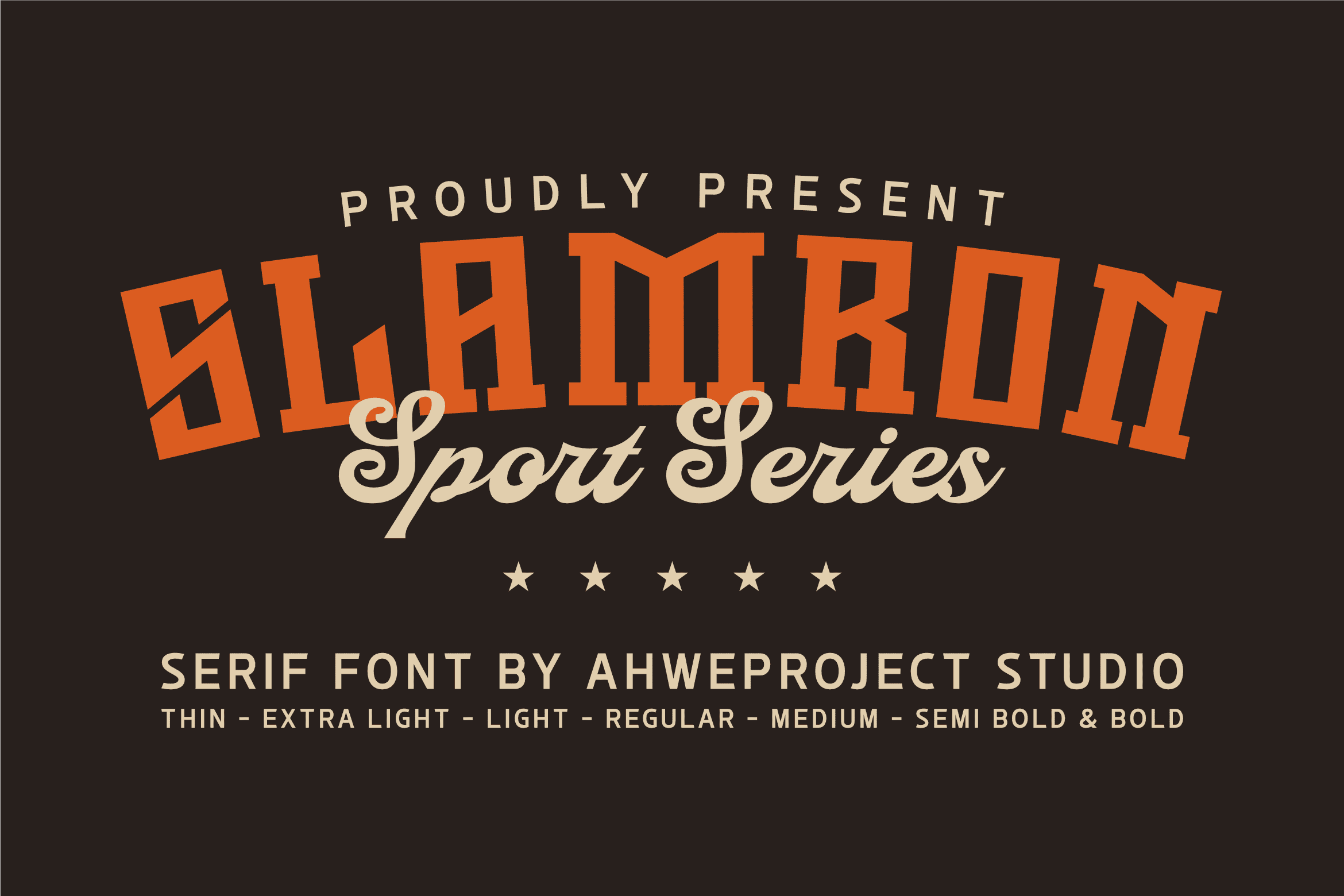
20% OFF
Slamron
Original price was: $15.$12Current price is: $12. This product has multiple variants. The options may be chosen on the product page -
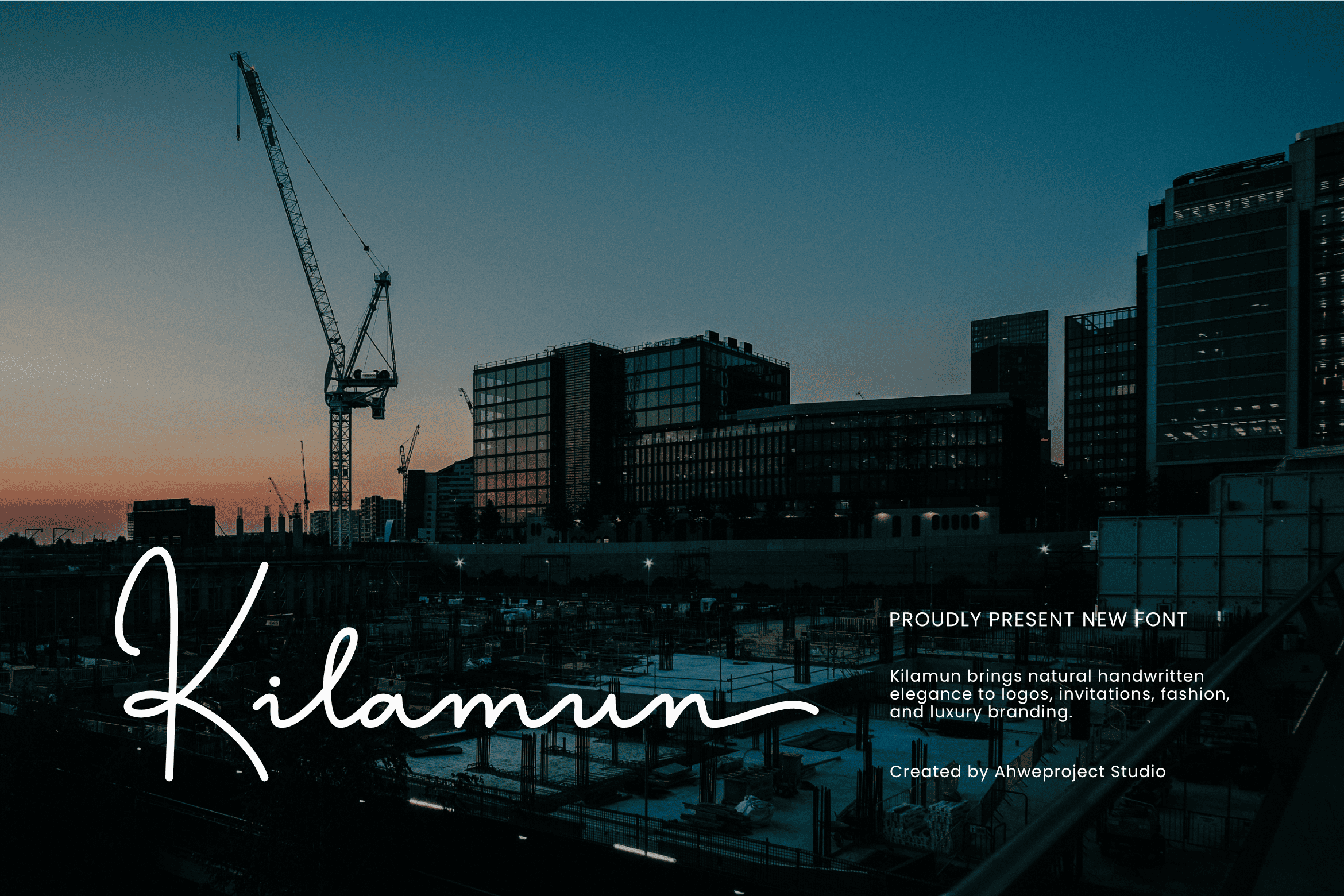
20% OFF
Kilamun
Original price was: $15.$12Current price is: $12. This product has multiple variants. The options may be chosen on the product page -
20% OFF
Takisumo
Original price was: $15.$12Current price is: $12. This product has multiple variants. The options may be chosen on the product page -
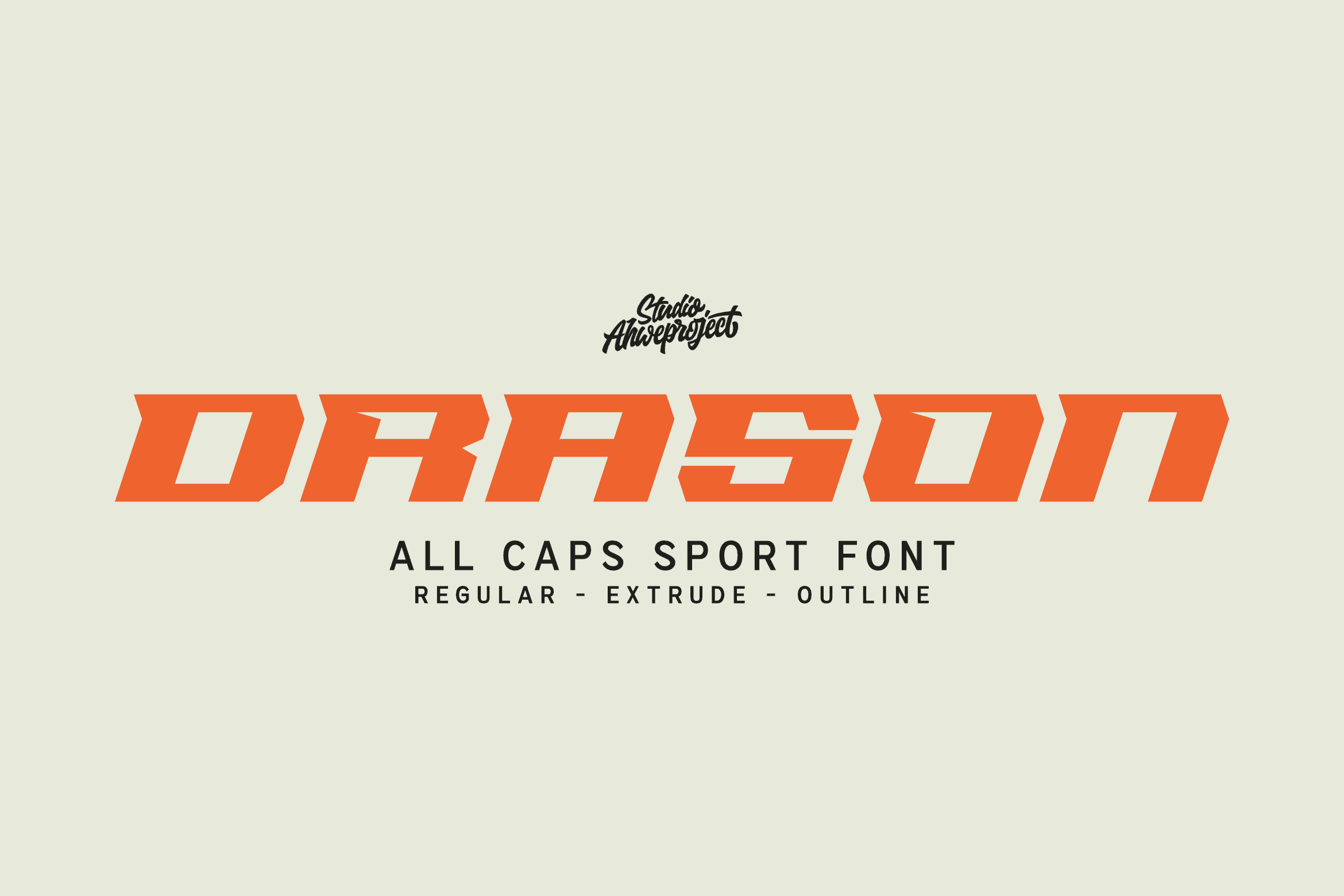
20% OFF
Drason
Original price was: $15.$12Current price is: $12. This product has multiple variants. The options may be chosen on the product page -
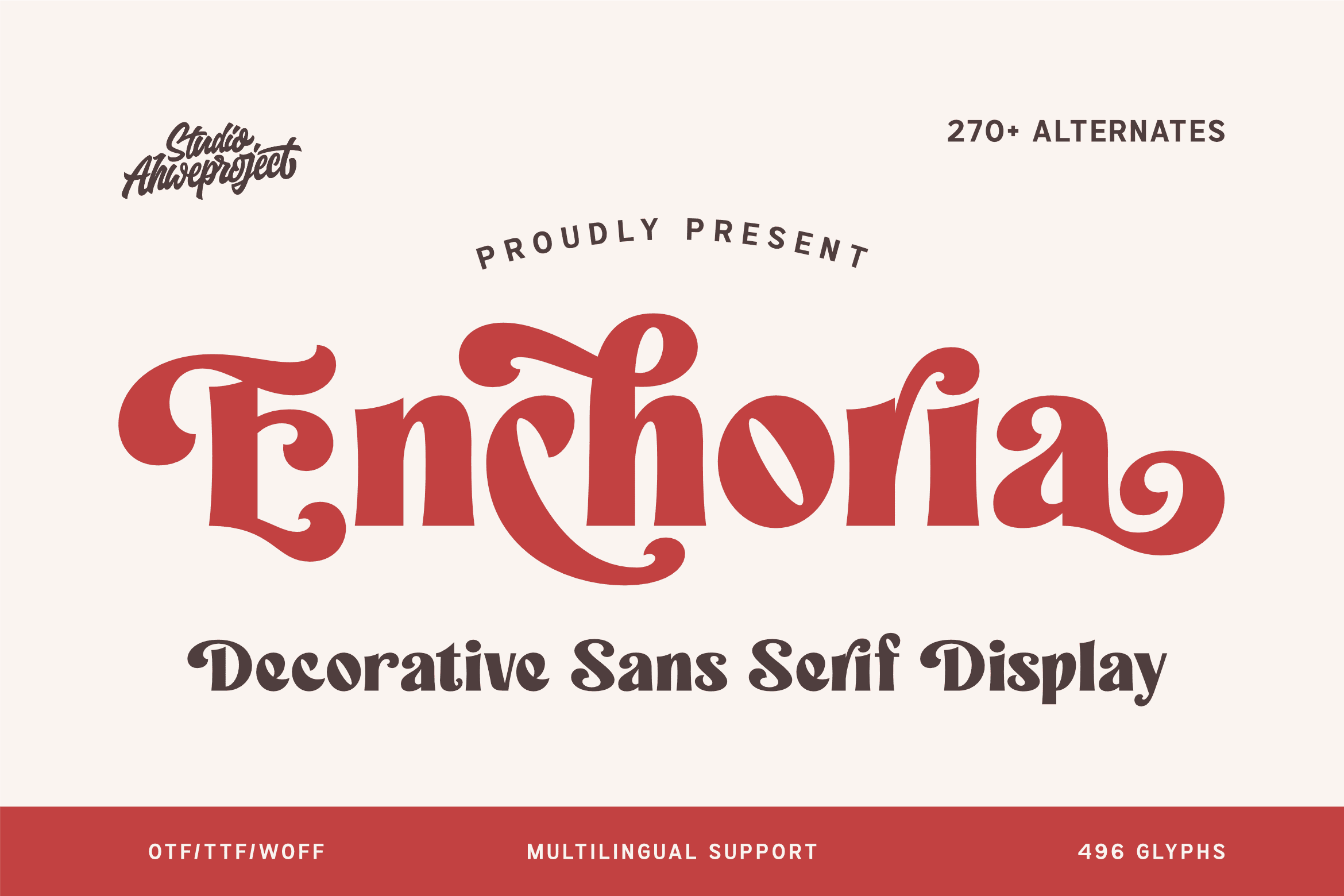
20% OFF
Enchoria
Original price was: $15.$12Current price is: $12. This product has multiple variants. The options may be chosen on the product page



Reviews
There are no reviews yet.